
A successful shoot is not defined by how many beautiful photographs it produces. It is defined by whether the final library contains the right assets for every place the campaign must work.
That is why campaign image requirements should be defined before the moodboard becomes a shot list. A brand may need one visual idea, but marketing needs multiple expressions of that idea: a homepage hero with copy space, product-led images for evaluation, vertical assets for mobile, paid-ad variations, email crops, detail photographs, and material that can keep the campaign useful after launch week.
This guide shows fashion and beauty teams how to translate channels, customer decisions, and campaign goals into a practical asset plan. If your immediate question is quantity, read how many images a fashion brand actually needs. Here, the focus is what those images must do.
The strategic shift
Do not ask, “How many final images are included?” first. Ask, “Which customer decisions and marketing placements must this library support?” Quantity follows requirements—not the other way around.
Campaign image requirements: the short answer
Most campaign shoots need a coordinated mix of eight asset categories:
- Hero images that establish the campaign idea.
- Product-led images that make the offer clear.
- Detail and texture images that reduce uncertainty.
- Lifestyle images that place the product in context.
- Website and e-commerce assets composed for specific modules.
- Organic social and email assets built for ongoing storytelling.
- Paid-ad variations designed for testing, not merely resized after delivery.
- PR, retail, partner, and behind-the-scenes assets that broaden distribution.
The exact mix changes by campaign. A launch focused on brand awareness will weight hero and lifestyle imagery differently from a product release designed to drive paid-media conversions. The list should therefore be tied to the campaign objective, customer journey, channel plan, usage rights, and production budget.

Start with placements, not a moodboard
A moodboard can align taste, tone, lighting, styling, and references. It cannot tell a marketing team whether the shoot will supply a desktop homepage banner, a mobile crop, a retargeting variation, a product-detail sequence, or six weeks of email and social support.
Before creative development is locked, build a placement inventory. For every channel, record the placement, purpose, audience stage, message, required orientation, copy-safe area, delivery deadline, and usage term. This becomes the bridge between marketing strategy and production. The Campaign Asset Planner explains the broader workflow, while the Photography Shot List Template turns the approved requirements into shoot-day coverage.

The campaign asset matrix
A useful asset matrix connects every requested image to a job. The structure below is more reliable than a list of vague requests such as “ten lifestyle images” or “more social content.”
Discovery
Job: Stop attention and establish the idea. Typical assets: Hero, campaign key visual and PR lead image. Plan for: A strong concept, recognizable product and flexible copy space.
Consideration
Job: Show relevance and context. Typical assets: Lifestyle, product-on-model and collection stories. Plan for: Audience fit, styling range and believable use.
Evaluation
Job: Reduce uncertainty. Typical assets: Details, texture, fit, finish, shade and feature images. Plan for: Consistent angles, accurate color and clear product information.
Conversion
Job: Support a specific action. Typical assets: Landing-page visuals, offer-led ad assets and product spotlights. Plan for: Message hierarchy, CTA-safe composition and test variations.
Retention
Job: Extend product and brand value. Typical assets: Email, styling, education, seasonal and reuse assets. Plan for: Evergreen options and planned future usage.
This prevents a common failure: producing several images that look different but perform the same job. Visual variety is not the same as functional coverage.
The eight image categories brands most often need
1. Hero and campaign-defining images
Hero images carry the central campaign idea. They may lead the homepage, launch page, lookbook, press release, retail display, or awareness ad. Plan both wide and vertical compositions when those placements are known. Do not assume one horizontal photograph will crop cleanly into every format.
2. Product-led images
These images make the product—not only the atmosphere—easy to understand. For fashion, this can include full looks, front and back views, fit, movement, styling options, and collection groupings. For beauty, it may include packaging, application, shade, texture, finish, scale, and product-in-use moments.
3. Detail and texture images
Details are often the first category cut when the schedule slips, even though they help buyers evaluate quality. Build fabric, material, construction, hardware, finish, formulation, applicator, and tactile close-ups into the schedule. These assets also create useful pacing for product pages, carousels, email, and retargeting.
4. Lifestyle and contextual images
Lifestyle imagery connects the product to a person, setting, or aspiration. It should still have a defined role: demonstrate use, signal audience identity, introduce a styling idea, or place a product inside a credible routine. “Candid” is a visual treatment, not a strategic purpose.
5. Website and e-commerce assets
Homepage, category, collection, product, editorial, and landing-page modules rarely share one composition. Confirm module dimensions, responsive behavior, focal point, copy position, and whether the image must work with navigation or promotional overlays. The example below was selected for a specific e-commerce category rather than treated as a generic campaign crop.

6. Organic social and email sequences
Plan sequences rather than isolated posts: launch, product focus, detail, styling or usage, proof, reminder, and seasonal reuse. A carousel needs visual progression. An email header needs legibility and space for a message. A Reel cover must remain recognizable inside the profile grid. These are compositional requirements, not export settings.
7. Paid-ad variations
Paid media needs deliberate variation across hook, product emphasis, crop, background, talent, message space, and stage of awareness. Ten near-identical poses do not provide ten meaningful tests. Define the hypotheses before the shoot and align the license with the planned media, duration, territory, and channels. See Licensing Explained for Brands for the commercial framework.
8. PR, retail, partner, and behind-the-scenes assets
PR teams may need horizontal and portrait options without embedded text. Retailers and partners may need product-forward images with neutral crops. Behind-the-scenes material can support launch storytelling, but it should not replace planned customer-facing assets. Confirm partner specifications and approval rules before production.
Plan formats and safe areas during capture
“We can crop it later” is sometimes true and strategically expensive when it becomes the default. A strong frame can lose the product, body language, environment, or negative space that made it work. Plan format families on set and protect essential content inside the likely safe areas.
Wide landscape
Common use: Desktop hero, campaign landing page, display or retail. Capture instruction: Create deliberate negative space on the required side and protect the focal point from responsive cropping.
Landscape
Common use: Email, editorial, PR and website modules. Capture instruction: Keep the product readable at smaller display sizes.
Square and 4:5 portrait
Common use: Feed, carousel, product story and marketplace. Capture instruction: Create a tighter composition rather than relying only on a wide master.
9:16 vertical
Common use: Stories, Reels, TikTok and mobile ads. Capture instruction: Leave interface-safe space and shoot movement that survives the tall frame.

How many variations should you plan?
There is no universal number. The current article’s fixed example quantities create false precision because a six-product launch with one market and an international collection campaign do not have the same requirements.
Use this planning equation instead:
Channels × placements × messages × required formats × meaningful test variations − legitimate reuse = the working asset requirement.
Then consolidate intelligently. One photograph may serve an editorial module, email, and organic social if its composition and license support all three. Conversely, an ad built around a price or product benefit may need a separate frame even when a hero image can technically be resized.
For production timing, group the final shot list by set, look, product priority, talent, lighting, and format. Connect that plan to the fashion campaign timeline and the fashion campaign brief so marketing requirements survive the handoff to the creative team.
What brands usually miss
- Copy-safe images: the composition leaves no clean place for a headline or CTA.
- Mobile-first frames: vertical delivery is treated as a crop from landscape.
- Evaluation assets: the campaign inspires but does not show fit, finish, texture, application, or use.
- Ad-testing range: the library contains pose changes instead of distinct creative hypotheses.
- Retargeting material: every image speaks to discovery, with nothing designed for a warmer audience.
- Website modules: homepage imagery exists, but category, collection, landing-page, and mobile needs do not.
- Future use and licensing: the team plans six months of deployment but licenses only the launch window—or pays for rights it will not use.
- Asset ownership: no one is accountable for mapping requests, approvals, naming, metadata, and final delivery.
If a campaign already has strong visuals but weak results, use the campaign visual conversion diagnostic to separate creative, message, placement, and journey problems.
A six-step planning workflow
- Define the business objective. Identify what must change: awareness, consideration, launch adoption, conversion, retention, retail support, or another measurable outcome.
- Inventory channels and placements. Record each actual module or media placement, not only the platform name.
- Map the customer decision. Specify what the viewer must notice, understand, believe, or do.
- Build asset families. Group hero, product, detail, lifestyle, website, social, ad, email, PR, and partner needs.
- Translate requirements into production. Assign format, safe area, product, talent, styling, set, priority, approvals, and usage to the shot list.
- Audit before shoot day. Remove redundant images, confirm critical gaps, and protect must-have shots in the schedule.
A campaign photographer should be involved before this translation is finished, not only after the shot list is approved. Read what to expect from a fashion campaign photographer for the strategic responsibilities that sit around production.
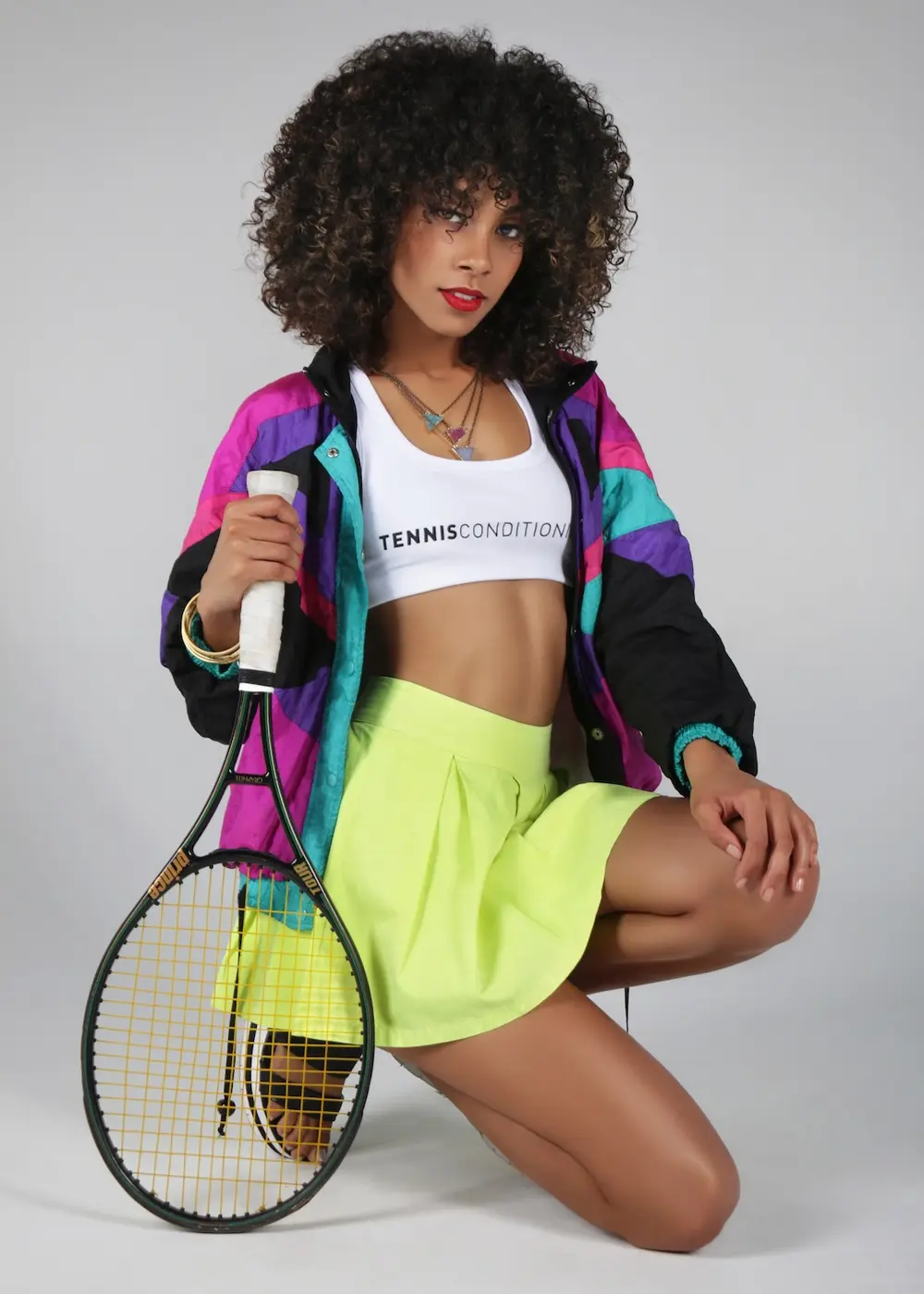
Download the Campaign Shoot Image Checklist
Use the checklist before production to review hero, product, detail, lifestyle, website, social, advertising, email, PR, format, and future-use requirements.
Example: one campaign, several business uses
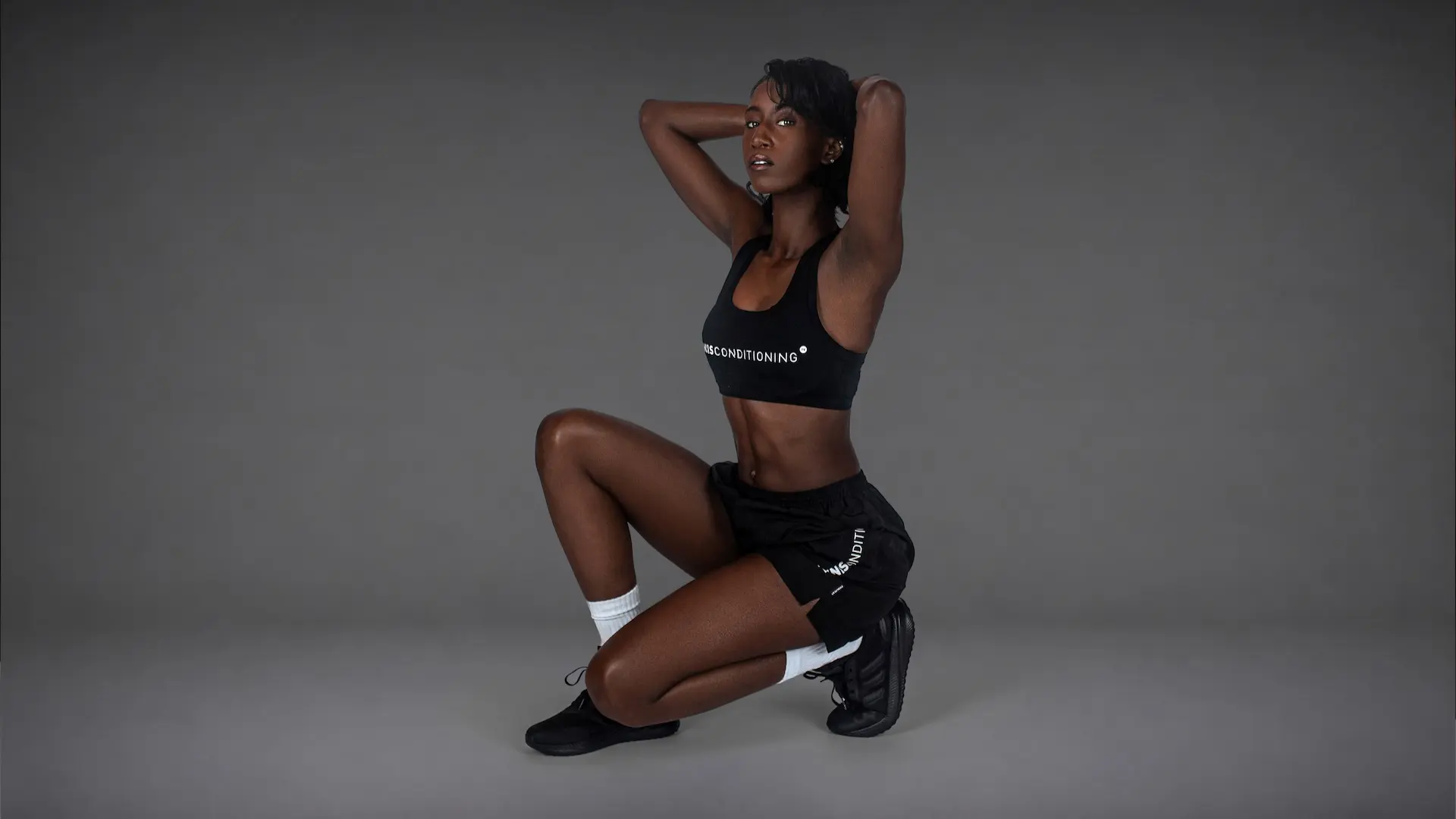
The StyleConditioning one-day fashion campaign case study shows why output should be designed as a system. Studio and outdoor setups created campaign, website, category, social, and banner options with a consistent visual identity. The strategic value did not come from treating every final as interchangeable; it came from planning different images for different placements.
Frequently asked questions
What images do you need for a campaign shoot?
Most campaigns need a planned mix of hero, product-led, detail, lifestyle, website, e-commerce, organic social, email, paid-ad, PR, partner, and behind-the-scenes assets. The exact mix should follow the objective, customer journey, placements, formats, and usage plan.
Should social, website, and advertising images be planned separately?
They should be mapped separately even when one image can serve several placements. Each channel has different compositional, message, interface, and testing needs. Mapping them separately reveals where reuse is legitimate and where a dedicated frame is required.
Do you need separate vertical and horizontal photographs?
Often, yes. A wide master may crop successfully for some placements, but it cannot reliably preserve composition, copy space, product visibility, and movement in a 9:16 frame. Capture both when vertical and wide placements are strategically important.
Should the campaign be planned around a fixed image count?
No. Start with the required asset families and placements, then calculate the efficient number of captures and finals. A fixed count without a use map can produce either unnecessary duplication or serious gaps.
When should usage rights be decided?
Before the estimate and production plan are approved. Media type, territory, duration, placement, exclusivity, and expected scale affect both licensing value and the assets that should be created.
Build the library your campaign actually needs
The most expensive missing image is often the one discovered after the crew, talent, product, location, and lighting are gone. A clear requirements map prevents that loss. It gives the creative team a better brief, gives production a defensible priority order, and gives marketing an asset library designed for real use.
If you want an outside view before committing the budget, the Free Visual Audit is a working session focused on channel fit, missing assets, reuse potential, and whether the planned photography can support launches, paid media, web, e-commerce, PR, and always-on content.
Plan the campaign before the gaps become expensive
Bring your channel plan, current visual system, and upcoming launch. We will identify the campaign image requirements that matter most before production begins.