
What Is a Photography Shot List?
A photography shot list is a structured inventory of the images that must be created during a production. Each row represents a required frame or variation and records the information the crew needs to execute, verify and deliver it.
At minimum, the list should specify the subject, setup, composition, orientation and intended use. For a commercial production, however, it should also show the product or SKU, talent, styling, props, priority, crop requirements, status and approval owner.
The shot list therefore sits between strategy and execution. The campaign strategy defines the result the brand wants. The creative direction establishes how the work should feel. The shot list translates both into specific assets that can be produced and checked.
For a real-world example, see the high-key beauty editorial case study, where two shot lists translated a white-on-white visual concept into a cohesive 24-image library for The Prestige Magazine.
Shot list vs. creative brief vs. call sheet
These documents support the same production, but they solve different problems:
- Creative brief: defines the audience, objective, message, offer, brand requirements and success criteria
- Moodboard or treatment: communicates the visual direction, including lighting, styling, color, casting, set and composition
- Photography shot list: records every required image, variation, format and use
- Call sheet: organizes logistics such as crew, contacts, location, arrival times, schedule and safety information
A moodboard cannot replace a shot list because inspiration does not define coverage. Likewise, a shot list cannot replace a creative brief because a technically complete list can still serve the wrong commercial objective.
Why Brands Need a Photography Shot List Template
Campaign productions are expensive environments for discovering missing requirements. Talent, location, styling, equipment and crew have already been booked. Therefore, a forgotten homepage banner, product detail or vertical ad variation can require an awkward crop, a compromised design or a separate production.
A reusable photography shot list template reduces that risk. It creates a consistent planning process across launches and makes gaps visible before the shoot. Moreover, it gives creative, ecommerce, media and marketing teams one shared source of truth.
That structure creates several practical benefits:
- required assets are connected to specific channels
- must-have images are separated from optional ideas
- products, colorways and talent combinations are easier to track
- horizontal, square and vertical needs are planned before capture
- the crew can sequence setups more efficiently
- stakeholders can approve coverage while the set is still active
- post-production receives clearer crop, retouching and delivery instructions
Most importantly, the template shifts the conversation from “How many photos do we want?” to “Which assets does the campaign need to do its job?” That is a more commercially useful question.
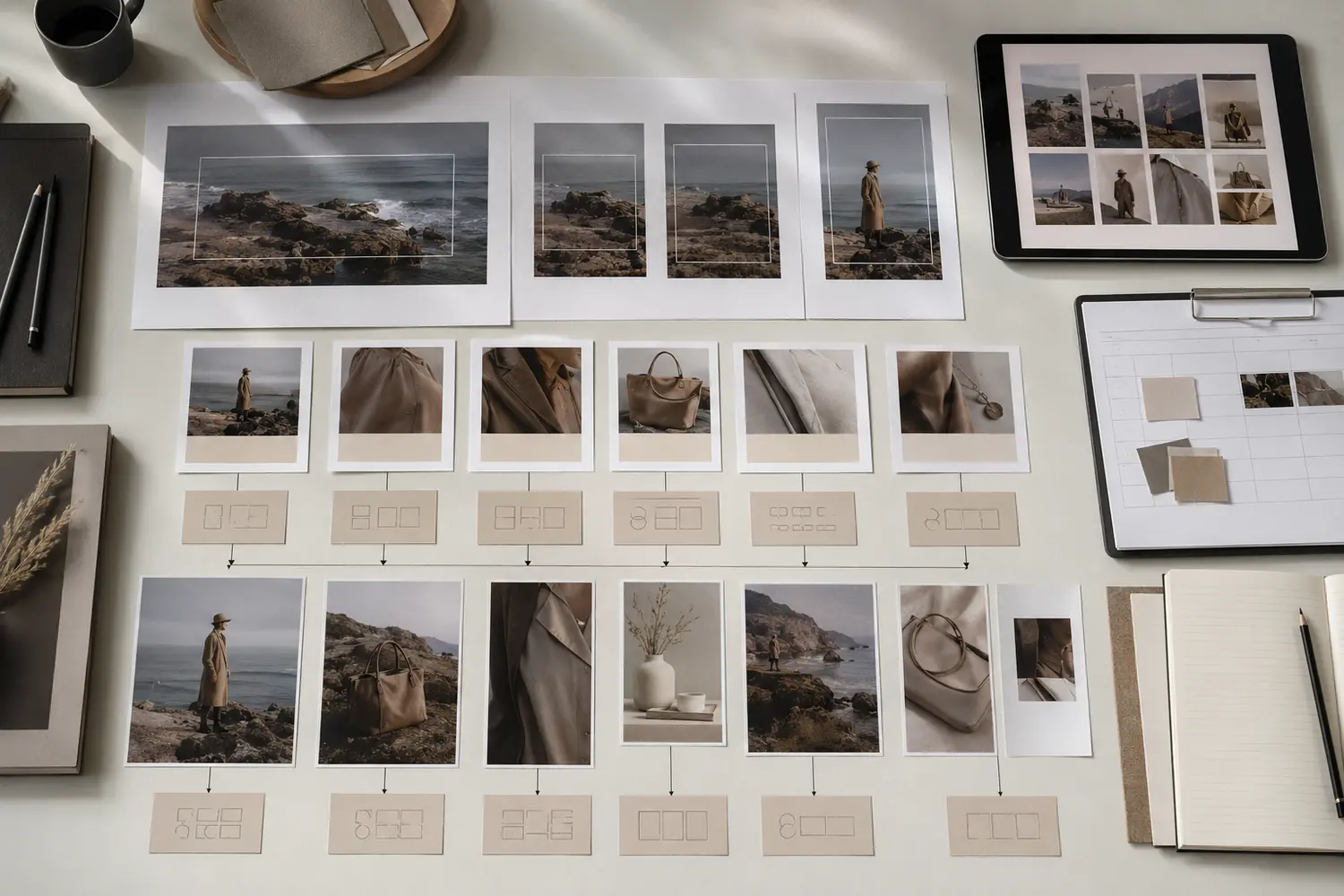
What to Complete Before Building the Shot List
Do not begin by inventing individual frames. First, define what the production must support. Otherwise, the list may look detailed while still omitting important assets.
Complete these decisions before creating the shot list:
- Campaign objective: clarify whether the priority is awareness, launch, conversion, retailer support, lead generation or ongoing content
- Audience and message: identify what the customer should understand, feel or do after seeing the work
- Product scope: confirm products, SKUs, colorways, packaging, samples and priority items
- Channel plan: list every planned placement, including website, ecommerce, email, paid media, social, PR, retailer and print
- Creative direction: approve the concept, casting, styling, lighting, locations, sets and visual references
- Usage and licensing: define the media, territories and duration required from the photographer, talent, location and other rights holders
- Technical specifications: collect aspect ratios, dimensions, safe zones, file types and platform requirements
- Approval process: name the person authorized to accept a setup or request a correction on set
If the campaign is tied to a launch, place this work inside a realistic product launch campaign timeline. For fashion-specific planning, use the broader framework in how to plan a fashion campaign shoot before turning the strategy into individual frames.
Photography Shot List Template: Essential Fields
The following structure works as a master template in a spreadsheet, project-management platform or production database. Use one row per distinct deliverable. If the same setup requires several crops or meaningful variations, either create separate rows or specify those outputs clearly in the format field.
| Field | What to record | Example |
|---|---|---|
| Shot ID | A unique reference used across production and post | CAM-01A |
| Priority | Must-have, should-have or optional | Must-have |
| Content pillar | The asset category or narrative role | Product hero |
| Product/SKU | Product name, code, shade or colorway | Serum / SKU 104 / 30 ml |
| Subject/talent | Model, hand model, product or group | Model A + product |
| Setup | Location, set, surface or background | Warm stone vanity |
| Action | Pose, gesture, product interaction or movement | Apply serum to cheek |
| Framing | Wide, full length, medium, close-up or macro | Beauty close-up |
| Orientation | Landscape, portrait, square or capture-all | Portrait + square-safe |
| Channel/use | Where the asset will appear | Paid social and landing page |
| Format/spec | Ratio, dimensions, safe zones and copy space | 4:5; copy space above |
| Styling/props | Wardrobe, accessories, surface and prop details | Ivory top; open carton |
| Reference | Approved visual reference or storyboard frame | Treatment frame 12 |
| Owner | Person responsible for the requirement | Paid media lead |
| Status | Planned, ready, captured, approved or held | Approved |
| Post notes | Retouching, compositing, crops or delivery notes | Preserve skin texture |
A short list may use fewer columns. Nevertheless, do not remove the fields that connect the frame to its commercial purpose. “Model holding product” is not enough if the designer also needs to know whether the image must accommodate mobile copy, a desktop headline or a paid-ad crop.
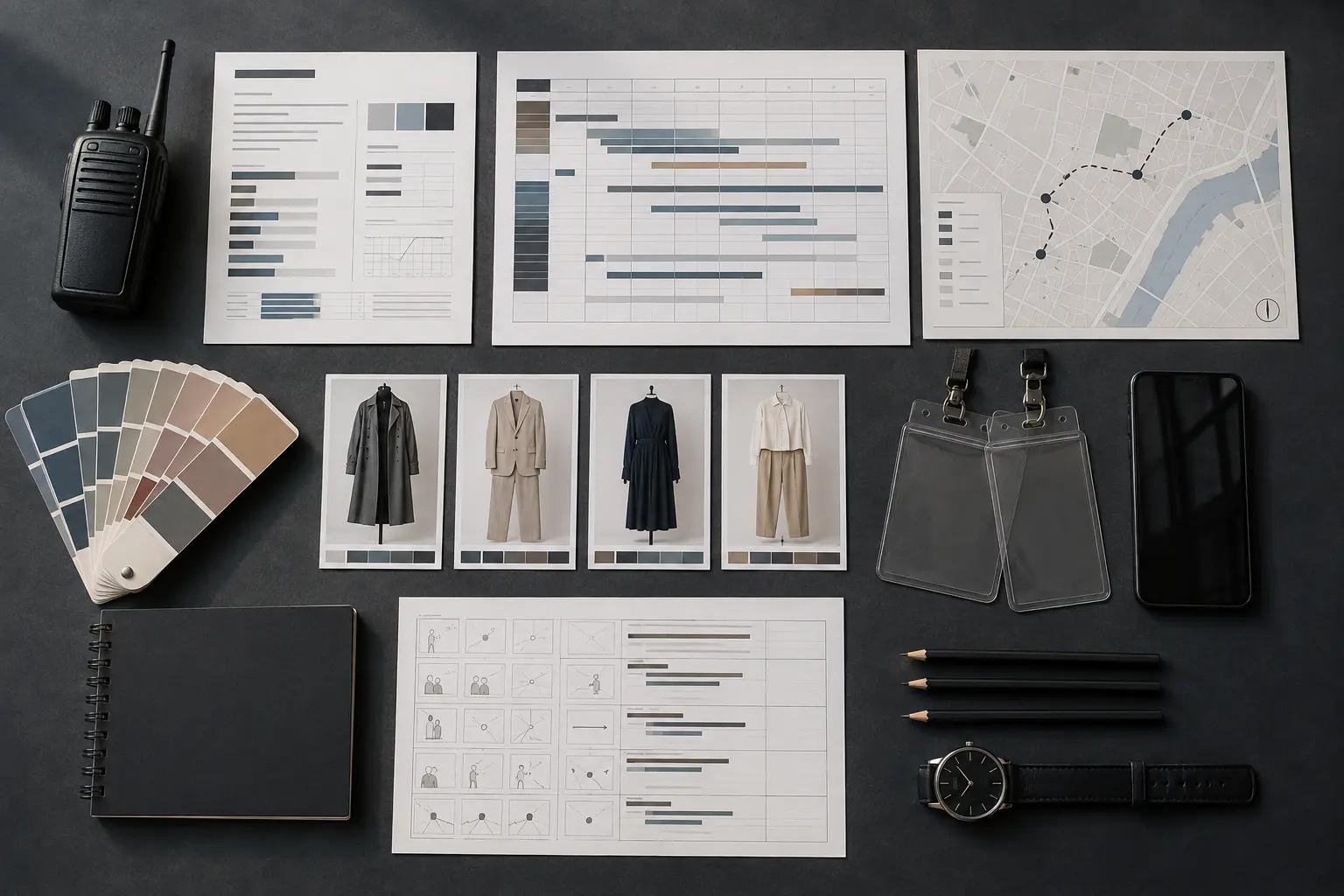
Copyable Photography Shot List Template
Use the following starter structure for your next campaign. Duplicate rows when one setup needs distinct product, talent, action or format combinations.
| ID | Priority | Category | Product/SKU | Subject | Setup/action | Framing | Orientation | Use | Spec/copy space | Status | Notes |
|---|---|---|---|---|---|---|---|---|---|---|---|
| 01 | Must | Campaign hero | [Insert] | [Insert] | [Insert] | Wide | Landscape | Homepage | [Insert] | Planned | [Insert] |
| 02 | Must | Product hero | [Insert] | Product | [Insert] | Close | 4:5 | Paid social | [Insert] | Planned | [Insert] |
| 03 | Must | Product detail | [Insert] | Product | [Insert] | Macro | Square | Ecommerce | [Insert] | Planned | [Insert] |
| 04 | Should | Lifestyle | [Insert] | [Insert] | [Insert] | Medium | Vertical | Organic social | [Insert] | Planned | [Insert] |
| 05 | Optional | BTS/detail | [Insert] | [Insert] | [Insert] | Close | Vertical | Stories/Reels | [Insert] | Planned | [Insert] |
How to Build a Photography Shot List Template Step by Step
1. Map deliverables to channels
Begin with placements rather than poses. List the homepage hero, landing-page modules, product pages, email banners, organic posts, paid ads, PR requests, retailer portals and print applications the production must support.
Next, record each placement’s aspect ratio, safe zone, copy-space requirement and deadline. A single photograph may support several placements, but do not assume every composition can be cropped into every format. A landscape homepage visual and a 9:16 story often need different framing, subject placement or separate captures.
2. Organize the list into content categories
Group the required assets into a clear shot architecture. Depending on the campaign, useful categories may include:
- campaign hero images
- product-only heroes
- product details and textures
- model-and-product interaction
- application or demonstration
- lifestyle and environmental frames
- ecommerce coverage
- paid-media variations
- social sequences and behind-the-scenes details
- PR, retailer and founder imagery
This prevents the production from creating many variations of one attractive idea while leaving an entire channel unsupported. For product-page requirements, pair the template with the ecommerce photography checklist.
3. Create a coverage matrix
Cross-reference content categories against products, talent, looks, locations and formats. The matrix reveals missing combinations and unnecessary duplication. For example, a fashion launch may need each priority look captured as a clean full length, a medium product-led frame and a vertical movement variation. A beauty launch may need product-only, product-in-hand, application, texture and finished-result coverage.
However, completeness does not mean capturing every possible combination. That can make the day unmanageable. Include combinations only when they support a defined placement or provide valuable creative variation.
4. Assign priorities
Label each row as must-have, should-have or optional. This simple system protects the campaign if a setup runs late, weather changes, a sample fails or talent availability shifts.
- Must-have: the campaign cannot launch or function correctly without the asset
- Should-have: the asset expands flexibility, testing or storytelling but is not launch-critical
- Optional: capture it only after essential coverage is approved
Do not mark everything as must-have. If every frame has the same priority, the production has no real decision rule when time becomes limited.
5. Add variations deliberately
Variation should serve testing, sequencing or format adaptation. Useful variables include framing, expression, movement, product prominence, background, negative space and orientation. For paid media, one concept may need a direct product-led version, a lifestyle version and a frame with room for a headline.
By contrast, minor changes that do not create a meaningfully different asset may not deserve separate rows. The goal is not to inflate the shot count. It is to increase usable coverage.
A shot list should also leave room for controlled adaptation. In the Be Patient & Still My Love fashion editorial shot list case study, three six-frame planning sheets protected the intended coverage while the finished production evolved into four coherent styling chapters.
6. Sequence the production efficiently
Once coverage is approved, reorder the working list around production logic. Group frames that share a lighting setup, background, talent, styling, product or prop configuration. This reduces resets and protects more time for refinement.
The master list and the shooting order do not have to be identical. Keep stable IDs so a row can move in the schedule without losing its connection to the campaign requirement.
7. Define approvals and live status
Assign one authorized approval owner. Then update the status after each setup: captured, approved, held or reshoot required. A frame should not be marked complete simply because the shutter was released. Confirm focus, product accuracy, styling, expression, crop flexibility and technical quality first.

How the Template Changes by Production Type
Fashion campaign photography
Track collection look, garment priority, model, styling, movement, crop, environment and channel. In addition, note whether the product must be immediately legible or whether the image is primarily intended to build brand desire. Strong fashion coverage often combines wide narrative frames, full looks, medium compositions and construction details.
Beauty campaign photography
Include shade, packaging orientation, product fill level, skin area, application stage, texture, finish, hand position and retouching boundaries. The list should also separate product-only images from product-in-use and finished-result frames. Read the strategic foundation in beauty campaign photography.
Ecommerce photography
Consistency is the primary concern. Record the required front, side, back, detail, scale and functional views for each SKU. Include crop, background, product position, color accuracy and naming requirements. Use a missing-sample status so incomplete products do not disappear from the workflow.
Lookbook photography
Organize coverage by look and confirm that each outfit is shown clearly enough for buyers, press or customers to understand it. If the same production also creates ecommerce imagery, keep the two requirements distinct. The comparison in lookbook vs. ecommerce photography explains why they should not be treated as interchangeable.
Ongoing brand content
Add content pillar, campaign phase, reuse potential and library destination. This helps each production fill known gaps rather than repeating the same type of image. Over time, the shot list becomes an input to a broader system. See the difference between creating content and building a content system.
Common Shot List Mistakes
Starting with camera angles instead of business needs
“Wide, medium and close” describes coverage, but it does not explain what the campaign needs to communicate or where the images must work. Begin with the objective and placements; then define the necessary framing.
Treating the moodboard as the shot list
A reference image may communicate mood, but it rarely specifies product, format, copy space, priority or usage. Attach references to individual rows, but keep the operational information explicit.
For a practical example, see how the Simple Comforts studio fashion editorial production used five-frame shot lists to protect planned coverage while leaving room for on-set adaptation.
Planning only the hero image
A strong hero can launch the campaign, yet it cannot supply every product page, ad test, email module and social sequence. Plan the supporting asset system with the same discipline as the main visual.
Assuming one frame can serve every crop
Extreme cropping can remove the product, damage the composition or leave no room for copy. Plan crop flexibility during capture and create separate versions when the placements demand materially different framing.
Tracking quantity instead of usefulness
A target of 50 final images says nothing about whether those files support the campaign. Define deliverables by role and placement first. Let the justified requirements determine the quantity.
Failing to assign ownership
When several stakeholders can add requests but no one can approve completion, the list expands and the production slows. Each requirement should have an owner, while one decision-maker controls on-set approval.
On-Set Photography Shot List Checklist
Before moving to the next setup, confirm:
- the correct product, shade, colorway, talent and styling are in frame
- the required action, expression and product interaction are clear
- logos, labels, seams, closures and packaging are correctly oriented
- the hero composition and required alternate framings are captured
- vertical, square and landscape requirements have enough crop room
- planned copy space remains usable
- focus, motion, exposure, color and reflections have been checked
- mandatory variations are materially different
- the approval owner has accepted the setup
- the list status and post-production notes have been updated
How to Use the Shot List After Production
The template should continue through selection, retouching and delivery. Add select filenames or frame numbers to the matching Shot ID. Then record retouching notes, crop versions, approval status and final filenames.
This creates traceability. The marketing team can see which requirement became which delivered asset, while the post-production team receives instructions tied to the original purpose. Finally, archive the completed list with the campaign files. It becomes a useful reference when planning renewals, new formats or the next production.
Frequently Asked Questions
What should a photography shot list include?
A commercial photography shot list should include a unique Shot ID, priority, content category, product or SKU, subject, setup, action, framing, orientation, intended channel, technical specification, styling or prop notes, reference, owner, status and post-production instructions.
Who creates the shot list?
The photographer, producer, creative director or art director may build it, depending on the production. However, marketing, ecommerce, paid media and other channel owners should contribute requirements before the list is approved. One person should own the final document.
When should the shot list be finalized?
Create the first version after the strategy, channel plan and creative direction are approved. Finalize it before the production schedule and call sheet are locked. Small adjustments may follow a technical scout or fitting, but major additions on shoot day usually indicate incomplete planning.
How many shots should be on a shot list?
There is no universal number. A focused half-day product shoot may need a few dozen rows, while a multi-product campaign may require far more. Base the count on justified deliverables, setup time and production capacity, not an arbitrary image quota.
Should video be included in the same template?
Use the same master asset plan if photography and video serve the same campaign. However, give video deliverables their own fields for duration, movement, audio, frame rate, edit version and opening hook. On a complex production, keep separate working lists connected by common asset IDs.
Is a shot list the same as a storyboard?
No. A shot list records required assets and production details. A storyboard visualizes the sequence and composition of individual frames, especially for motion. Storyboard frames can be linked inside the shot list as references.
Final Takeaway: Plan Assets, Not Just Pictures
A strong photography shot list template does not restrict creativity. It protects the essential coverage so the creative team can explore without putting the campaign at risk. By connecting every planned frame to a product, purpose, format and priority, the template turns production into a more reliable content system.
The unspoken problem behind many “content shortages” is not insufficient production. It is that the shoot created attractive images without a complete asset plan. Build the plan first, confirm it on set and carry it through delivery. As a result, each image has a clearer job and the campaign creates more value from the same production.
For a published example, see how two shot lists shaped the Colour Me Beautiful beauty editorial while preserving room for on-set interpretation.