
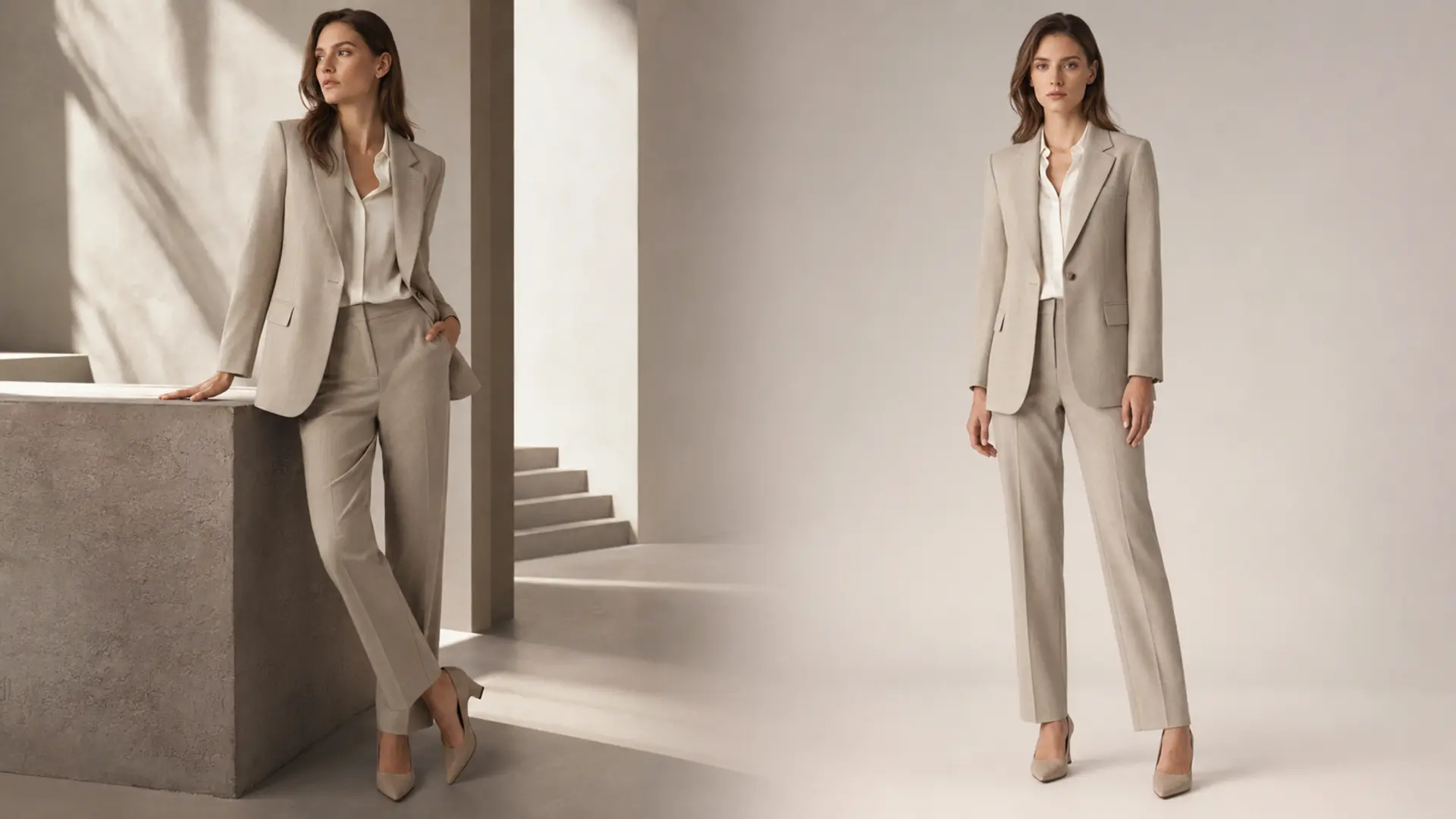
Lookbook vs Ecommerce Photography: The Short Answer
Lookbook photography sells the collection’s point of view; ecommerce photography helps sell the individual product. A lookbook shows how pieces relate, how they can be styled and what kind of identity the collection represents. Meanwhile, fashion ecommerce photography shows fit, silhouette, color, texture, construction and scale with enough consistency to support comparison.
Because those outcomes are different, the creative decisions are different too. Lookbooks can use expressive posing, directional light, locations, props and layered styling. Conversely, ecommerce images usually require repeatable crops, controlled lighting, standardized poses and product-led retouching.
However, the distinction should not become a wall between two productions. Instead, brands can share pre-production, products, talent, styling preparation and selected crew resources. Then they can create separate image families for separate commercial roles.
The Core Difference Is the Job of the Image
The simplest way to compare lookbook vs ecommerce photography is to ask what uncertainty each format must resolve.
A lookbook answers emotional and stylistic questions. What does this collection stand for? How do the pieces work together? Who is the customer invited to become? Where does the brand sit culturally and aesthetically? Therefore, a strong fashion lookbook gives the collection a coherent visual argument.
Ecommerce product photography answers practical buying questions. What does the item look like from the front and back? How long is it? How does the fabric fall? What details justify the price? How might it fit or scale on a person? Consequently, a strong ecommerce gallery functions as product evidence.
This difference matters because desire without evidence can create hesitation. Yet evidence without desire can make a distinctive collection look interchangeable. As explained in the cornerstone guide Fashion Ecommerce Images: How to Build a Product Image System That Converts, every frame should have a defined commercial job. Lookbook and ecommerce assets simply perform different jobs within that broader system.
What Lookbook Photography Must Achieve
Historically, a fashion lookbook helped buyers, editors and customers understand a collection beyond isolated garments. Today, it may appear on a website, in wholesale outreach, in press materials, in email, across social channels or within a launch presentation. Although the distribution has expanded, its central role remains the same: it organizes products into a persuasive visual story.
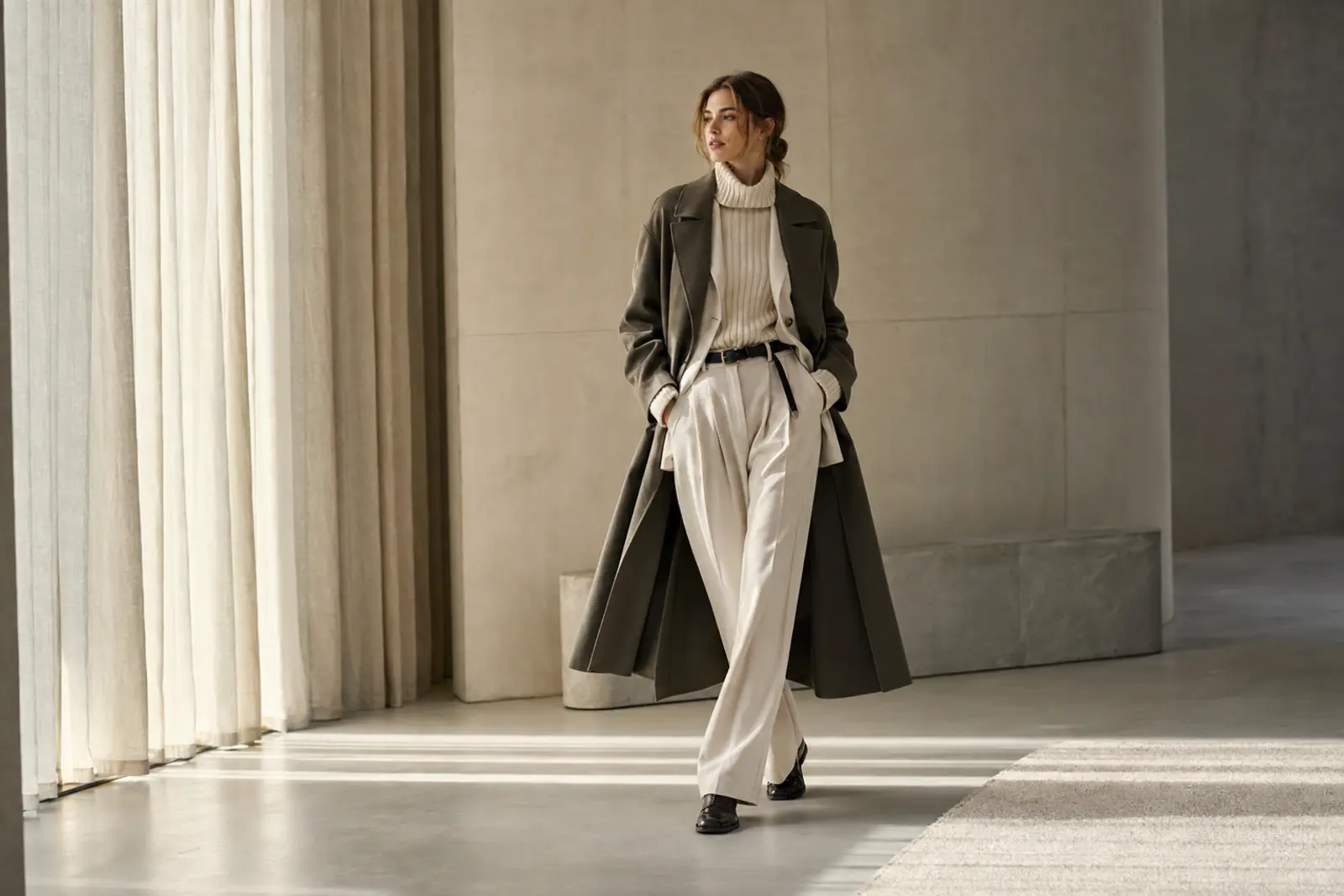
1. Establish the collection’s visual world
First, the location, casting, light, styling and composition should support the collection concept. Nevertheless, the concept must clarify the clothes rather than overwhelm them. If viewers remember the set but cannot remember the collection, the production has created atmosphere without enough product value.
2. Show how products relate
Next, lookbook images should reveal combinations, layers and recurring design ideas. For example, one image may show a complete silhouette, while another explains how a jacket, knit and accessory work together. As a result, the viewer sees a wardrobe system instead of disconnected SKUs.
3. Create aspiration without hiding the garment
Expressive fashion photography can add energy and distinction. However, extreme crops, overlapping layers or dramatic poses may obscure the product. Therefore, even an editorial lookbook needs moments of visual clarity, especially when the images will support wholesale, press or shoppable collection pages.
4. Produce adaptable brand assets
In addition, a modern lookbook should anticipate banners, launch emails, organic social, PR layouts and selected advertising crops. This does not mean that every image must work everywhere. Rather, the shot list should include enough orientation, scale and negative-space variation to serve those uses intentionally.
For a wider planning framework, see the cornerstone article Fashion Brand Content Strategy: How to Build a Content System That Drives Growth.
What Ecommerce Photography Must Achieve
Ecommerce photography has less freedom, but it is not creatively unimportant. Instead, its creativity appears through disciplined problem-solving: choosing the right view sequence, making materials legible, maintaining color and crop standards, and giving every product comparable treatment.
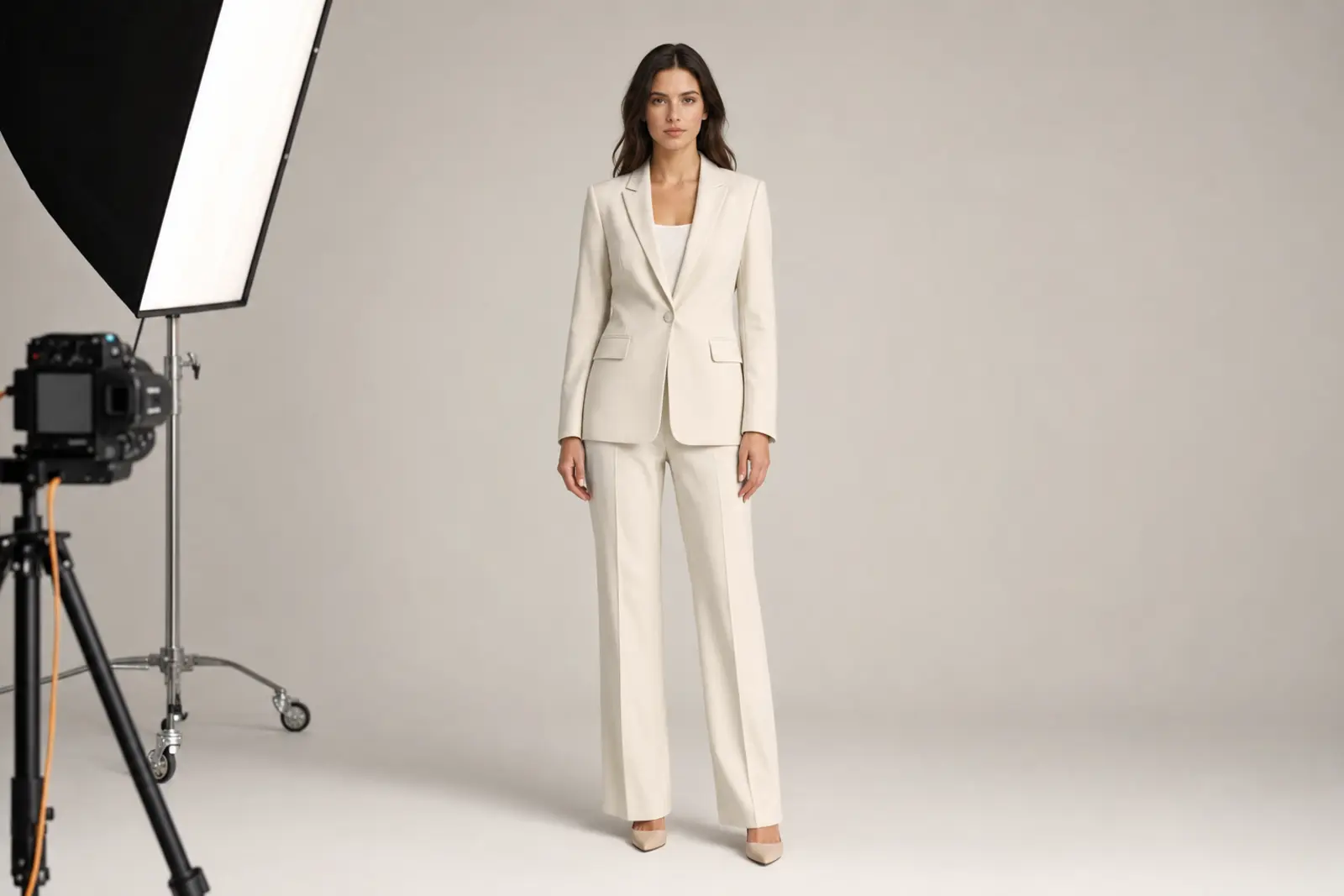
1. Identify the product immediately
The primary image should make the item easy to recognize in a product grid and on the product detail page. Therefore, the crop, background and pose should remain consistent within each category. A constantly changing visual grammar may feel creative, yet it makes comparison slower.
2. Explain fit, scale and construction
After the lead image, the gallery should show the views that matter for that product. Front, back and side views may be essential for tailoring. Detail frames may reveal fabric, hardware, closures or finish. Meanwhile, on-model images and movement can clarify proportion and drape.
3. Protect product truth
Color accuracy, realistic texture and honest fit are commercial requirements. Accordingly, retouching should polish the image without changing the garment customers receive. Over-smoothed fabric, reshaped bodies or inconsistent color may make a frame look cleaner, but they also remove useful buying evidence.
4. Support consistency at scale
A repeatable ecommerce system must work across many SKUs, colorways and production dates. Consequently, brands need documented rules for lighting, camera position, product preparation, crop, pose sequence, retouching, export and file naming. The Ecommerce Photography Checklist provides a production-level review, while the PDP Image Checklist helps validate the final gallery before launch.
Lookbook vs Ecommerce Photography: Side-by-Side Comparison
| Decision | Lookbook photography | Ecommerce photography |
|---|---|---|
| Primary goal | Build desire and communicate the collection | Reduce uncertainty and support purchase decisions |
| Hero subject | Collection, styling and brand world | Individual product |
| Composition | Expressive and varied | Controlled and repeatable |
| Posing | Character, movement and attitude | Fit, silhouette and product visibility |
| Lighting | May be directional or atmospheric | Even, consistent and color-accurate |
| Styling | Layered to communicate combinations | Focused on the product being sold |
| Background | Location, set or contextual environment | Usually seamless or standardized |
| Image sequence | Rhythm and narrative | Front, back, side, detail, fit and scale |
| Retouching | Supports mood and visual cohesion | Protects product accuracy and consistency |
| Key channels | Launch pages, PR, wholesale, email and social | Category pages, PDPs and marketplaces |
| Main success signal | Engagement, brand response and collection interest | Click-through, add-to-cart, conversion and return quality |
The table reveals an important truth: ecommerce photography is not a reduced version of a lookbook, and a lookbook is not simply ecommerce photography with a more interesting background. Each format has its own information hierarchy. Therefore, the brief, schedule and approval criteria must reflect the intended outcome.
Which Format Should Your Brand Prioritize?
Ideally, a launch includes both. However, budgets, deadlines and inventory may force a sequence. In that case, prioritize the asset family tied most directly to the immediate business constraint.
Prioritize ecommerce photography when:
- products cannot launch without complete PDP imagery
- customers frequently ask about fit, color, texture or scale
- return reasons suggest inaccurate product expectations
- category pages look inconsistent or difficult to scan
- the collection contains many SKUs or technical details
- marketplaces and retail partners require standardized assets
Prioritize lookbook photography when:
- the collection has strong ecommerce coverage but lacks a clear launch story
- buyers, editors or customers need to see how pieces work together
- the brand is repositioning or introducing a new aesthetic direction
- email, PR and organic channels need distinctive launch assets
- the collection’s value depends heavily on styling and context
- the website feels functional but emotionally interchangeable
Still, brands should be careful with a false economy. Skipping ecommerce coverage to fund an ambitious lookbook can create beautiful awareness that leads to weak product pages. Conversely, producing only standardized product images can leave a launch without a memorable idea. The better question is not “Which photographs do we like more?” It is “Which customer and channel decisions remain unsupported?”
For launch-wide planning, use the cornerstone guide Fashion Product Launch Strategy: How to Plan a Launch That Builds Demand and Drives Sales.
How to Plan Lookbook and Ecommerce Photography Together
For production support that connects both formats, see my fashion ecommerce photography services for brands.
An integrated production can reduce duplicated effort. Nevertheless, integration does not mean forcing everything into one lighting setup or one shot list. Instead, it means sharing the right resources while protecting the distinct purpose of each output.
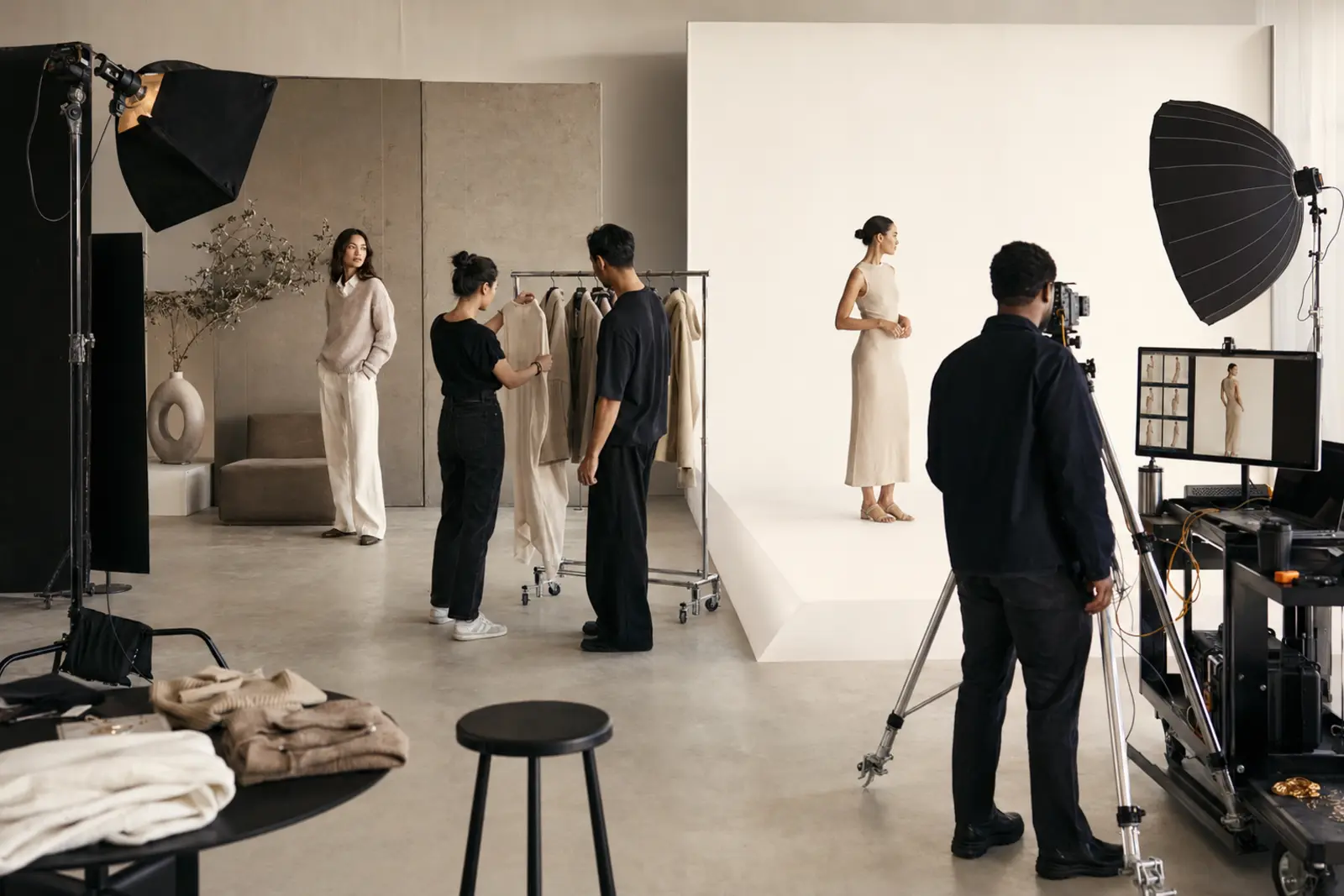
Step 1: Build the channel map before the shot list
List every planned placement: category grid, product page, homepage, collection page, email, wholesale deck, PR, paid media and organic social. Then define the ratio, crop, product visibility and message required for each. As a result, the team plans coverage instead of guessing how finished images might be reused.
Step 2: Separate mandatory coverage from creative options
For every SKU, identify the non-negotiable ecommerce views. Afterward, define the hero products, complete looks and styling stories that deserve lookbook coverage. This distinction prevents high-volume product work from consuming the time reserved for the collection narrative.
Step 3: Decide what can genuinely be shared
Products, casting, fitting, grooming, stylist preparation, logistics and parts of the crew can often support both outputs. However, lighting, backgrounds, posing, framing and approval standards should remain purpose-specific. In addition, styling continuity must be managed carefully because an editorial layered look may hide the very SKU the ecommerce frame must explain.
Step 4: Schedule for risk, not convenience
Capture launch-critical ecommerce images early enough to protect the sales deadline. Then give lookbook setups adequate creative time rather than squeezing them into the final hour. Alternatively, brands may dedicate separate blocks or consecutive days. The right structure depends on SKU volume, number of looks, location changes and team size.
Step 5: Use separate live approvals
Ecommerce approval should verify crop, fit, color, garment preparation and required views. Lookbook approval should evaluate the collection story, styling relationships, energy, variety and usable space for layouts. Therefore, a single comment such as “the image looks good” is not an adequate approval standard.
Step 6: Deliver connected but distinct libraries
Finally, organize files by product, look, channel, ratio and usage rights. The library should make it obvious which images are product masters, which are lookbook selects and which adaptations support banners, email or social. That structure makes reuse faster while preventing an editorial frame from accidentally becoming a misleading primary product image.
Common Lookbook vs Ecommerce Photography Mistakes
Using lookbook images as the entire ecommerce gallery
Atmospheric photographs may create desire, but they often hide back views, closures, details or true proportions. Consequently, shoppers are asked to infer rather than verify. Use editorial images to enrich the gallery after clear product views have established the facts.
Making the lookbook look like a product catalog
Consistency is useful, yet excessive repetition can flatten the collection story. A lookbook needs rhythm, relationships and a visual point of view. Therefore, include full looks, closer moments, movement and controlled changes in composition.
Assuming one hero image can serve every channel
A landscape homepage banner, a vertical social placement and a product-page gallery do not share the same information hierarchy. Accordingly, one composition will usually compromise at least one placement. The Homepage Banner Planning guide explains why the banner needs its own crop and message logic.
Planning by image count alone
“Ten images per product” and “twenty lookbook selects” sound precise. However, they do not prove that the right information has been captured. Instead, define shots by function: identify, compare, explain, prove, style or inspire.
Trying to save money by removing pre-production
When teams skip fitting, channel mapping, shot standards and product prioritization, decisions move onto the set—where they cost more. Moreover, missing images are often discovered after the samples, talent and crew are gone. Consequently, pre-production is not administrative overhead; it is production risk control.
How to Measure Both Image Systems
Lookbook and ecommerce photography should not be judged by identical metrics. Even so, both should connect to observable behavior rather than taste alone.
For ecommerce product photography, monitor category-page click-through, gallery interaction, add-to-cart rate, conversion, customer questions and return reasons. Yet interpret those signals carefully because price, traffic quality, stock, promotions and UX can also change performance.
For lookbook photography, monitor collection-page engagement, email click-through, press pickup, wholesale response, saves, qualified social engagement and assisted conversions. However, avoid claiming that a single image “caused” revenue when several touchpoints shaped the result.
Most importantly, connect production data with performance data. Which products received both editorial and ecommerce support? Which image types were reused most often? Which planned placements remained empty? Over time, those answers improve the next brief and help the brand invest where imagery creates the most commercial value.
For the larger measurement framework, read How to Measure Campaign Performance and Optimize Future Campaigns.
Build One Visual System, Not Two Disconnected Shoots
The real lesson in lookbook vs ecommerce photography is that the formats should be distinct without becoming disconnected. Lookbook images create meaning around a collection. Ecommerce images turn products into clear, comparable buying decisions. Together, they carry customers from interest to confidence.
Therefore, begin with the customer journey and channel map. Assign every image a job. Protect product truth. Then create enough visual range to express the brand without asking one photograph to perform incompatible roles.
This is the same system-led principle behind Fashion Marketing Strategy: How Great Brands Plan Campaigns That Sell and Fashion Campaign Photography: photography works harder when it is planned as media, not treated as an isolated creative event.
Frequently Asked Questions
What is the difference between lookbook and ecommerce photography?
Lookbook photography communicates the collection’s styling, mood and brand point of view. Ecommerce photography presents each product clearly and consistently so shoppers can assess fit, color, texture, details and scale.
Can lookbook images be used on product pages?
Yes. Lookbook images can add styling context and aspiration to a product gallery. However, they should usually supplement, not replace, clear front, back, side, detail and fit views.
Can ecommerce and lookbook photography be shot on the same day?
Yes, particularly for smaller collections or well-resourced studios. Nevertheless, each format needs a separate setup, shot standard and approval process. SKU volume, styling changes and creative complexity determine whether one day is realistic.
Which should a new fashion brand create first?
If products are ready to sell, complete ecommerce coverage is usually the first operational priority. However, the brand also needs enough distinctive launch imagery to communicate why the collection matters. Therefore, a smaller, focused lookbook may be more effective than eliminating either system.
How many lookbook and ecommerce images does a product need?
There is no universal number. Ecommerce coverage should follow product complexity and customer questions, while lookbook coverage should follow hero products, styling stories and channel needs. Define image jobs first; determine the count second.
Are Your Lookbook and Ecommerce Images Working Together?
A Free Visual Audit is a focused working session, not a generic sales call. We examine where your image system creates desire, where it leaves buying questions unanswered and how future production can support more channels with less duplication.