
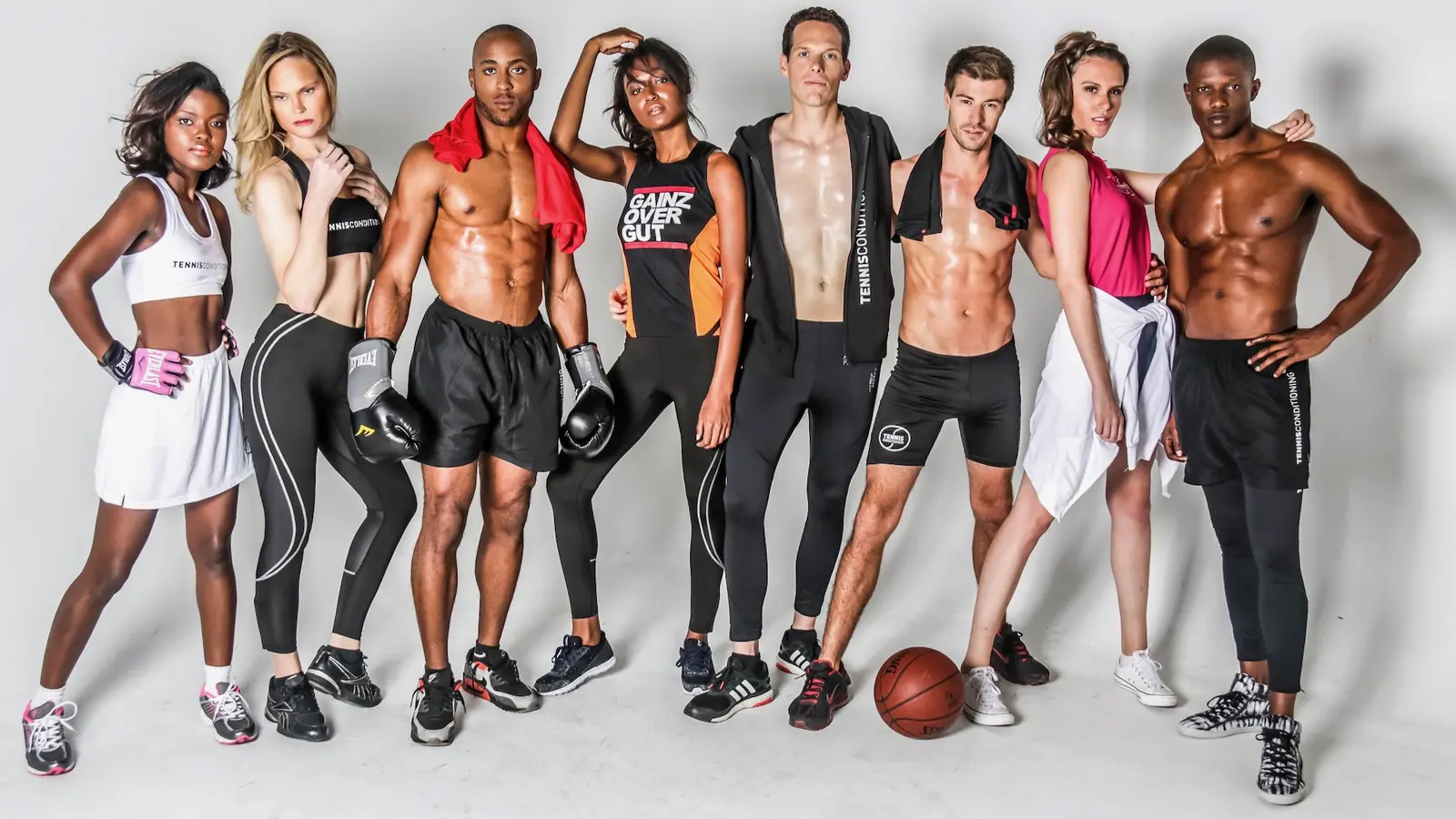
That distinction matters because fashion is both emotional and physical. A shopper may be attracted by a silhouette, a color or a point of view. However, before purchasing, that same shopper still needs to evaluate cut, scale, texture, movement and styling potential. If the imagery creates desire but withholds evidence, the product page remains persuasive only at the surface.
Conversely, technically correct images can still underperform when every garment feels flat, interchangeable or disconnected from the brand. Consequently, the goal is not to choose between creative direction and commercial clarity. The goal is to design a system in which each image has a defined job.
Why Fashion Ecommerce Images Matter More Than Most Brands Realize
If your brand needs production rather than planning guidance, explore my fashion ecommerce photography services for on-model product pages, launches and paid-media assets.
In a physical store, shoppers can touch fabric, compare proportions and see how a garment moves. Online, those signals must be translated into visual information. As a result, ecommerce product images carry part of the work normally performed by the product, the sales associate and the fitting room.
This is especially important in fashion because product suitability is rarely binary. A blouse may technically fit, yet the shopper still wants to know whether it is sheer, structured, oversized or easy to tuck. Likewise, a handbag may look appealing in isolation, yet its real scale remains unclear until it appears on a person. Baymard Institute’s usability research similarly notes that products designed to be worn require human-model context because cutout images alone cannot communicate important physical qualities.
Therefore, strong product page photography should reduce four forms of uncertainty:
- Product uncertainty: What exactly does the item look like?
- Fit uncertainty: How does it sit, fall and move on a body?
- Quality uncertainty: What do the material and construction feel like?
- Identity uncertainty: Can the shopper imagine this product in their wardrobe and life?
When one of these questions remains unanswered, more copy may help. Nevertheless, copy cannot fully compensate for missing visual evidence. For that reason, better images are not merely a branding upgrade. They are a form of decision support.
Fashion Ecommerce Image Standards Across a Scalable Catalog
A useful gallery is not defined only by image count. Instead, it is defined by coverage. Although the exact sequence depends on the product category, most fashion product pages benefit from a layered mix of factual, contextual and aspirational images.
Studio and lifestyle photography.
1. Standardize the primary product presentation
The first image must identify the product instantly. Therefore, it should use a repeatable crop, a controlled background and a pose that does not hide the silhouette. On category pages, this consistency becomes even more important because shoppers compare several items at once.
For apparel, the primary image may be on-model or product-only. However, the choice should remain consistent within each category. A grid that alternates unpredictably between tight crops, full-body images and stylized campaign frames creates unnecessary cognitive friction. In contrast, a disciplined image grammar makes the collection easier to scan.
2. Standardize angles by product category
Next, document the garment beyond the most flattering angle. A back view can reveal closures, seam placement, length and construction. Meanwhile, a side or three-quarter view can clarify volume and projection. These angles are particularly valuable for sculptural garments, tailoring, outerwear and bags.
Not every item needs the same number of views. Nevertheless, the decision should follow product complexity rather than convenience. A simple jersey T-shirt may need fewer frames, whereas a convertible coat or technically constructed dress requires more explanation.

3. Define repeatable detail standards
Detail images should not be random crops. Instead, they should reveal information that changes perceived value: fabric weave, stitching, hardware, lining, fastening, embellishment or finish. For luxury and premium products, this evidence is especially important because the shopper cannot physically inspect the workmanship.
Moreover, detail frames can support product descriptions. If the copy mentions hand-finished edges, brushed metal hardware or a distinctive knit structure, the gallery should show it. In this way, words and visuals reinforce the same value proposition.
4. Keep on-model fit and scale consistent
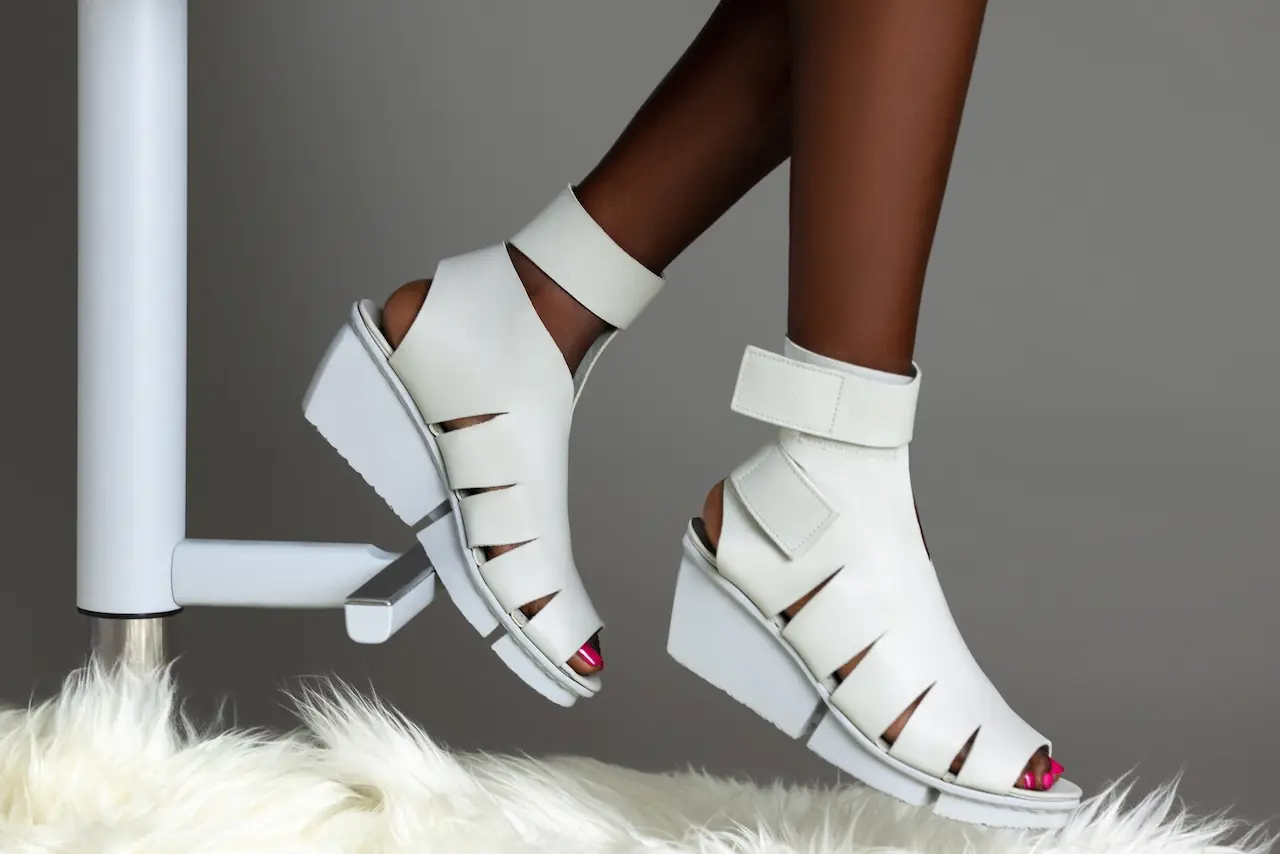
On-model apparel photography gives shoppers a reference for proportion. However, model imagery becomes more useful when the product page also states the model’s height and worn size. Without that information, the shopper is still forced to guess.
Additionally, posing should serve the garment. For example, a straight front pose may show silhouette clearly, while a subtle turn can reveal volume. Likewise, seated or moving frames can demonstrate how the fabric behaves. Yet highly stylized poses should supplement clear views rather than replace them.
5. Define when movement becomes a catalog standard
A still image can communicate motion when fabric is captured mid-step, a coat opens naturally or a skirt responds to the body. Therefore, movement frames are particularly effective for fluid dresses, performance apparel, fringe, pleating and lightweight outerwear.
Short video can go further. Even so, video should not become an excuse to omit essential stills. Many shoppers scan quickly, browse with limited bandwidth or enter from a search result where the static image carries the first impression.
6. Control styling context across the assortment
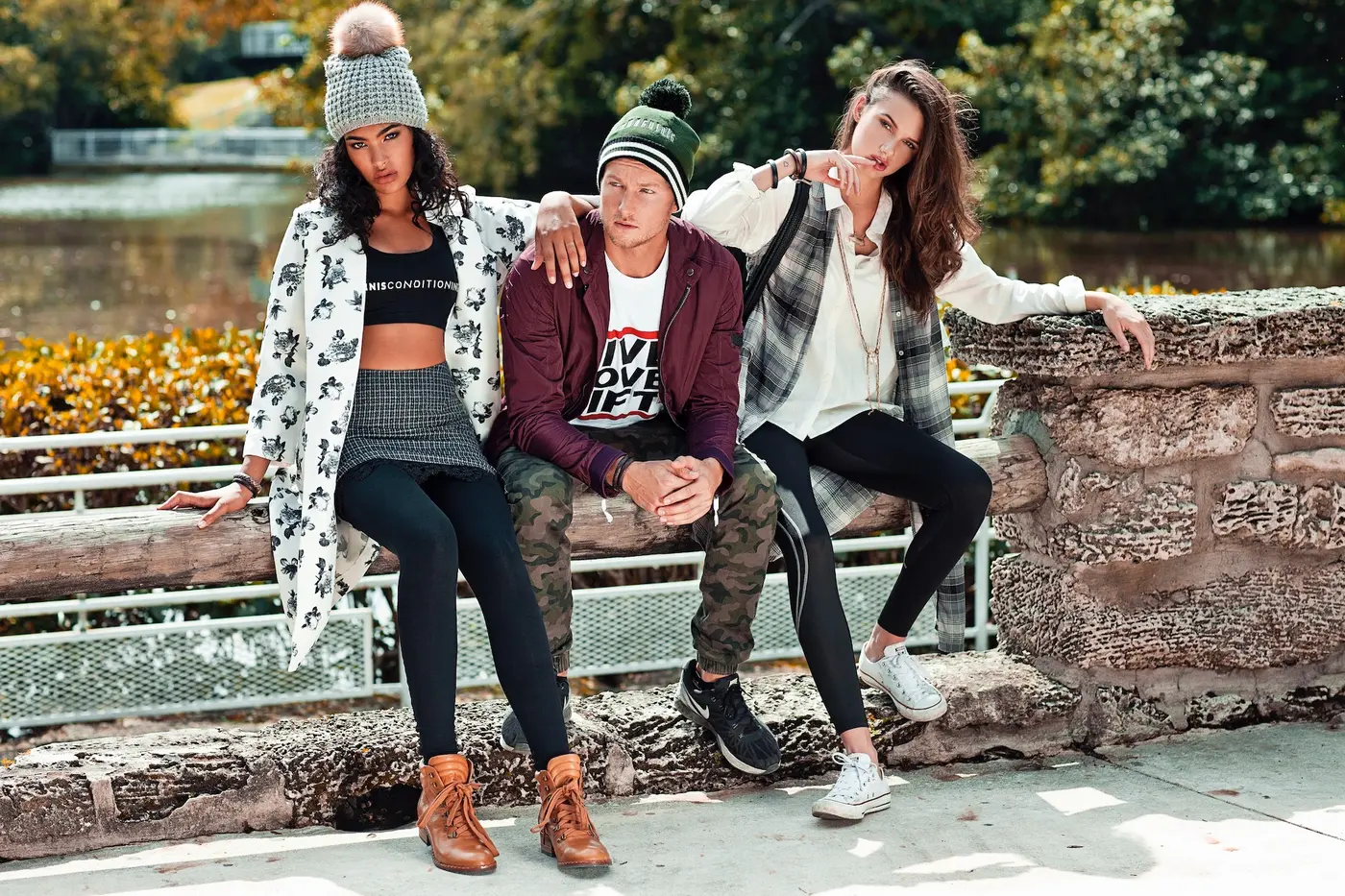
Accessories often need a human reference. A bag photographed by itself may appear larger or smaller than expected, while jewelry requires context against the body. Similarly, styling images can show how separates work together and can increase the visibility of complementary products.
However, the product must remain identifiable. If the styling becomes visually dominant, the gallery begins to function like a campaign rather than a sales tool. Consequently, contextual images work best after the product has already been established clearly.
Product images designed to drive conversions.
7. Establish inclusive fit standards with real evidence
Showing a garment on different body shapes can reduce uncertainty that one model cannot resolve. Still, inclusion should be operational rather than symbolic. That means maintaining comparable angles, stating the size worn and ensuring that each garment has been properly fitted and styled.
8. Set rules for editorial and lifestyle variations
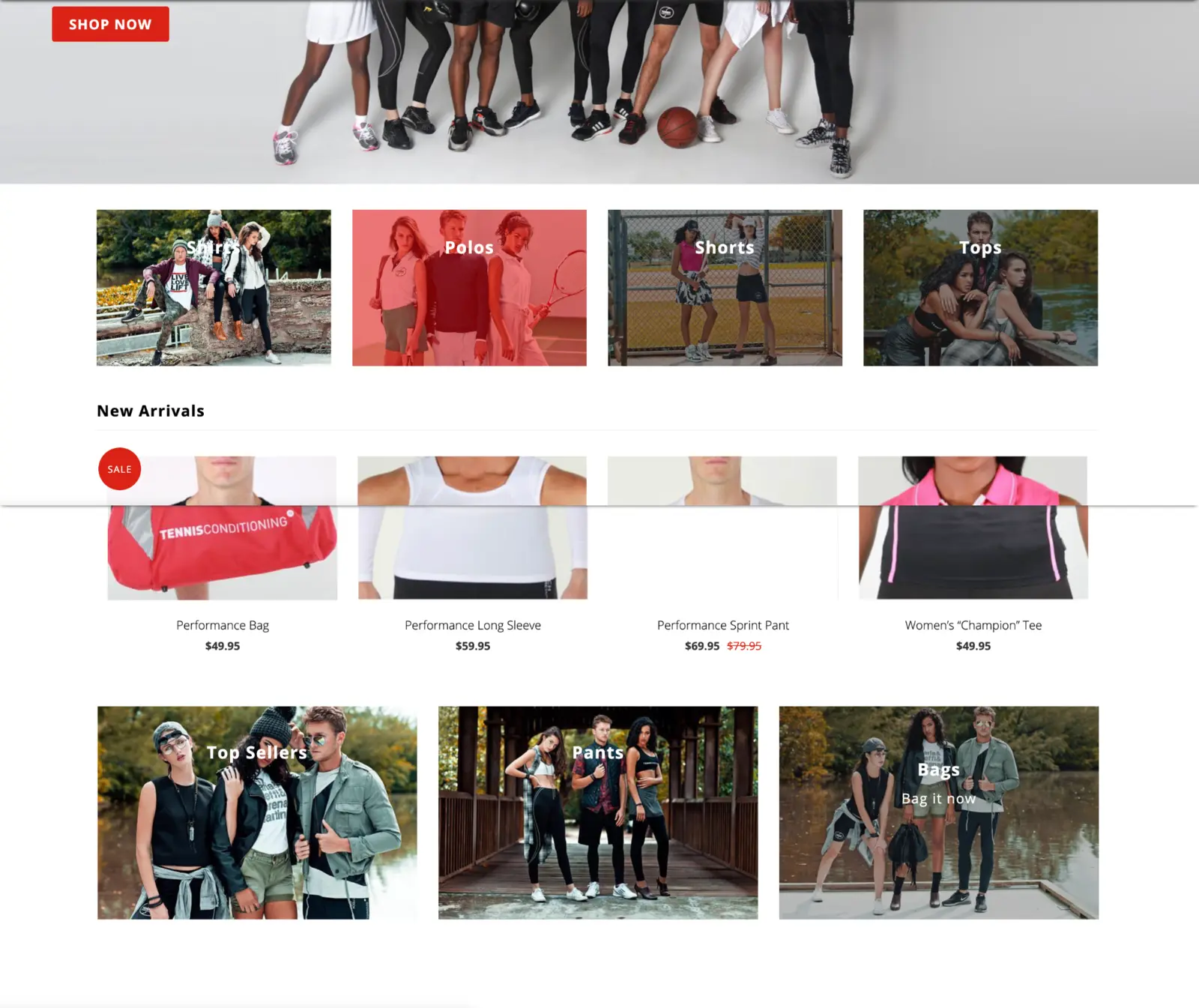
Once clarity is established, an editorial frame can build emotional value. It can suggest occasion, attitude and styling potential. Therefore, campaign thinking still belongs on the product page—but it should enter at the correct point in the decision sequence.
This is also where a coordinated content system becomes commercially efficient. When ecommerce, campaign, social and paid-media requirements are planned together, one production can create multiple assets without forcing one photograph to perform every job. For a broader planning framework, see Fashion Brand Content Strategy: How to Build a Content System That Drives Growth.
A complete product image system should define not only what gets photographed but also how product images are sequenced on the product page.
Production Standards That Keep Fashion Ecommerce Images Consistent
Consistency does not mean making every product look identical. Rather, it means controlling the variables that should not change so the meaningful differences between products remain visible.
Take a look at the PDP image checklist.
Create a category-specific image guide
Before production, document the visual rules for each product category. For example, dresses, shoes and jewelry should not share the same framing logic. However, each category should have defined standards for:
- background color and surface
- camera height, distance and focal-length range
- primary crop and safe margins
- model pose sequence
- lighting position and contrast
- garment preparation and styling
- required front, back, side and detail views
- color-management workflow
- retouching limits
- export ratios, dimensions and naming rules
As a result, the guide becomes a production tool, not merely a mood board. It allows photographers, stylists, retouchers and ecommerce teams to make aligned decisions even as collections, teams or locations change.
Protect color accuracy
Color is one of the most commercially sensitive variables in fashion product photography. Although screens vary, the production team should still create a controlled reference. That requires consistent lighting, calibrated displays, neutral viewing conditions and an approved color target.
Furthermore, color variants should be photographed or verified individually whenever material behavior changes. Simply shifting hue in post-production can create unrealistic shadows, highlights or texture. Therefore, post-production efficiency should never come at the expense of product truth.
Standardize crop and scale
A consistent frame makes category pages feel calmer and more premium. More importantly, it helps shoppers compare length, volume and proportion. Consequently, products should occupy a predictable percentage of the frame, with rules for long, short, wide and unusually shaped items.
Those rules should also anticipate responsive layouts. An image that works on a desktop product page may crop awkwardly in a mobile card or paid-social placement. Therefore, capture and delivery should include enough resolution and safe space for the required formats.
Define a retouching standard that preserves trust
Retouching should remove distractions, correct temporary flaws and keep the library visually consistent. However, it should not change the product customers receive. Seams, texture, color, fit and construction must remain truthful.
Similarly, body retouching can undermine fit information. If the model’s proportions or the garment’s natural tension are substantially altered, the image becomes less useful as buying evidence. Thus, the standard should distinguish polish from misrepresentation.
Optimize Fashion Ecommerce Images for Mobile, SEO and Speed
Large, beautiful files do not automatically create a better shopping experience. In fact, unnecessarily heavy assets can delay the very product information they are meant to deliver. Therefore, image quality must be balanced with performance.
Export for the actual display context
Keep a high-resolution master, then create appropriately sized derivatives for the website. Modern formats such as WebP or AVIF can reduce file weight while maintaining strong visual quality. In addition, responsive image markup should allow the browser to select a suitable file rather than downloading the largest asset for every screen.
The hero or first product image may deserve higher loading priority. Conversely, images below the fold should generally load lazily. This sequence protects the initial experience without sacrificing the depth of the gallery.
Use descriptive filenames and useful alt text
Search engines need context, while screen-reader users need a meaningful description. Therefore, filenames should be short, descriptive and hyphenated. Alt text should explain the visual information relevant to the product or article. It should not repeat keywords unnaturally or begin with “image of.”
For example, black-wool-tailored-blazer-front.webp is more useful than DSC_4837-final-v2.webp. Likewise, “Black wool blazer with a single-breasted front and peaked lapels” is more informative than “fashion ecommerce image.”
Connect images with structured product data
Google recommends providing high-quality product images and making product information accessible through product structured data or Merchant Center feeds. Consequently, ecommerce teams should ensure that primary product images, variants, price, availability and identifiers remain synchronized.
However, structured data cannot rescue weak assets. It can help search systems understand and present a product, but the image still has to earn attention and communicate value once it appears.
A Scalable Governance Workflow for Fashion Ecommerce Images
Scalability is created before the camera comes out. Therefore, a repeatable workflow should connect merchandising data, creative direction, production and final delivery.
Step 1: Build the category standards matrix
List every SKU, colorway and product category. Then map each asset to its required use: product detail page, category grid, marketplace, paid media, email, organic social or wholesale. This prevents the team from discovering missing ratios or angles after the products have left the studio.
For a detailed preproduction check, use the Ecommerce Photography Checklist: 27 Steps for Product Images That Convert. The checklist covers execution, while the present framework defines how the images work together as a commercial system.
Step 2: Assign a visual rule to every required view
Next, translate the gallery structure into a shot list. Instead of writing only “eight images per SKU,” specify “primary front, back, side, construction detail, material detail, fit reference, movement and styled context.” As a result, the team captures coverage rather than an arbitrary quantity.
Step 3: Group products by shared visual requirements
Organize the production order by lighting setup, background, category and styling complexity. Additionally, place priority or launch-critical items earlier in the schedule, when the team has the most time to resolve unexpected issues.
Still, operational efficiency should not override merchandising logic. If two garments require different styling or fit treatment, forcing them through the same setup may save minutes while weakening the final product pages.
Step 4: Approve a master SKU for each category
Before photographing the full collection, approve a representative product from each category. Check crop, color, shadow, styling, pose and retouching direction. Therefore, corrections happen before they multiply across hundreds of files.
Step 5: Enforce capture and naming conventions
Tethered capture allows the team to evaluate focus, texture, crop and color on a larger display. At the same time, a naming structure tied to SKU, color and view reduces confusion downstream. The exact convention matters less than its consistency.
Step 6: Audit consistency across the catalog
Quality control should verify both the photograph and the product record. Confirm that the correct colorway, SKU and sequence are attached. Then check focus, clipping paths where required, color, dust, garment accuracy and export dimensions.
Step 7: Maintain a governed, reusable image library
Finally, organize masters and derivatives so teams can find and reuse assets without requesting repeated exports. Clear rights and usage terms should also travel with the library, particularly when images will support paid media, marketplaces or third-party retail partners.
For brands building an ongoing production rhythm, this approach fits naturally into a broader fashion campaign calendar. It also reduces the reactive, one-off production cycle that often creates inconsistent visuals and avoidable costs.
How to Measure Catalog Consistency and Commercial Performance
Photography should be evaluated with commercial evidence, not personal preference alone. Nevertheless, image changes rarely operate in isolation. Product, price, traffic quality, page speed, stock availability and promotions can all affect performance. Therefore, measurement should combine quantitative results with behavioral evidence.
Track decision and business metrics
- product-page conversion rate
- add-to-cart rate
- image-gallery interaction and zoom use
- video play and completion rate
- return rate and return reasons
- customer-service questions about fit, color or material
- category-page click-through rate
- revenue per product-page session
For example, a high gallery-interaction rate is not automatically positive. It may indicate strong engagement; alternatively, it may show that shoppers must search through too many frames to understand the product. Consequently, analytics should be interpreted alongside session recordings, surveys, reviews and customer-service feedback.
Likewise, a lower return rate may suggest that better fit and detail images set more accurate expectations. However, the team should segment results by category, size and return reason before assigning causality.
Test one meaningful variable at a time
Useful tests may compare an on-model primary image with a product-only primary image, add a movement clip or introduce a second fit reference. Yet a valid test needs enough traffic and a clear hypothesis. Changing the crop, model, sequence, background and page layout simultaneously may improve results, but it will not reveal which decision mattered.
To connect image performance with the larger commercial picture, use the framework in Fashion Marketing KPIs: The Complete Guide to Measuring Campaign Performance.
Common Fashion Ecommerce Image Mistakes
Using campaign images as primary product images
Campaign photography can create desire. However, dramatic crops, layered styling and expressive poses may hide the item. Therefore, use campaign frames to strengthen the gallery after clear product evidence has been established.
Producing the same shot count for every product
Equal counts appear efficient, yet they ignore product complexity. Instead, define a minimum standard and add images when a feature, material or transformation requires explanation.
Showing details without context
An extreme close-up may reveal texture but leave shoppers unsure where that detail appears. Consequently, pair macro frames with wider views or compose the crop so its location remains understandable.
Allowing styling to misrepresent what is included
Layering can inspire shoppers, but it can also create confusion about the actual product. Therefore, the title, gallery sequence and styling should make the sold item unmistakable.
Inconsistent color between views
When the same garment shifts color across a gallery, confidence falls. First, correct the capture workflow. Then, check exports in the real website environment because backgrounds, compression and interface colors can affect perception.
Over-retouching the garment or model
Removing every natural crease can make fabric look synthetic, while reshaping the body can distort fit. Instead, preserve the evidence shoppers need while removing only irrelevant distractions.
Optimizing only for desktop
Small details, wide compositions and interface overlays behave differently on mobile. Therefore, test the actual product gallery on common phone sizes rather than approving images only on a retouching monitor.
Build Fashion Ecommerce Images as a Commercial Asset
The strongest fashion ecommerce images make a product easier to understand, easier to compare and easier to want. However, that result does not come from adding more images without direction. It comes from assigning each frame a commercial role and connecting the full library through consistent production standards.
Start by auditing one high-traffic category. Identify what shoppers can confirm immediately and what they still have to guess. Then compare the gallery against customer questions, return reasons and merchandising priorities. From there, build a category-specific shot standard and test the changes against meaningful performance data.
Above all, plan ecommerce photography as owned media. A disciplined product image library can support the product page first, while also feeding launch content, email, organic channels and paid campaigns through intentionally captured variations. To understand how those assets support the full customer journey, read Fashion Marketing Funnel: How to Turn Attention Into Loyalty.