
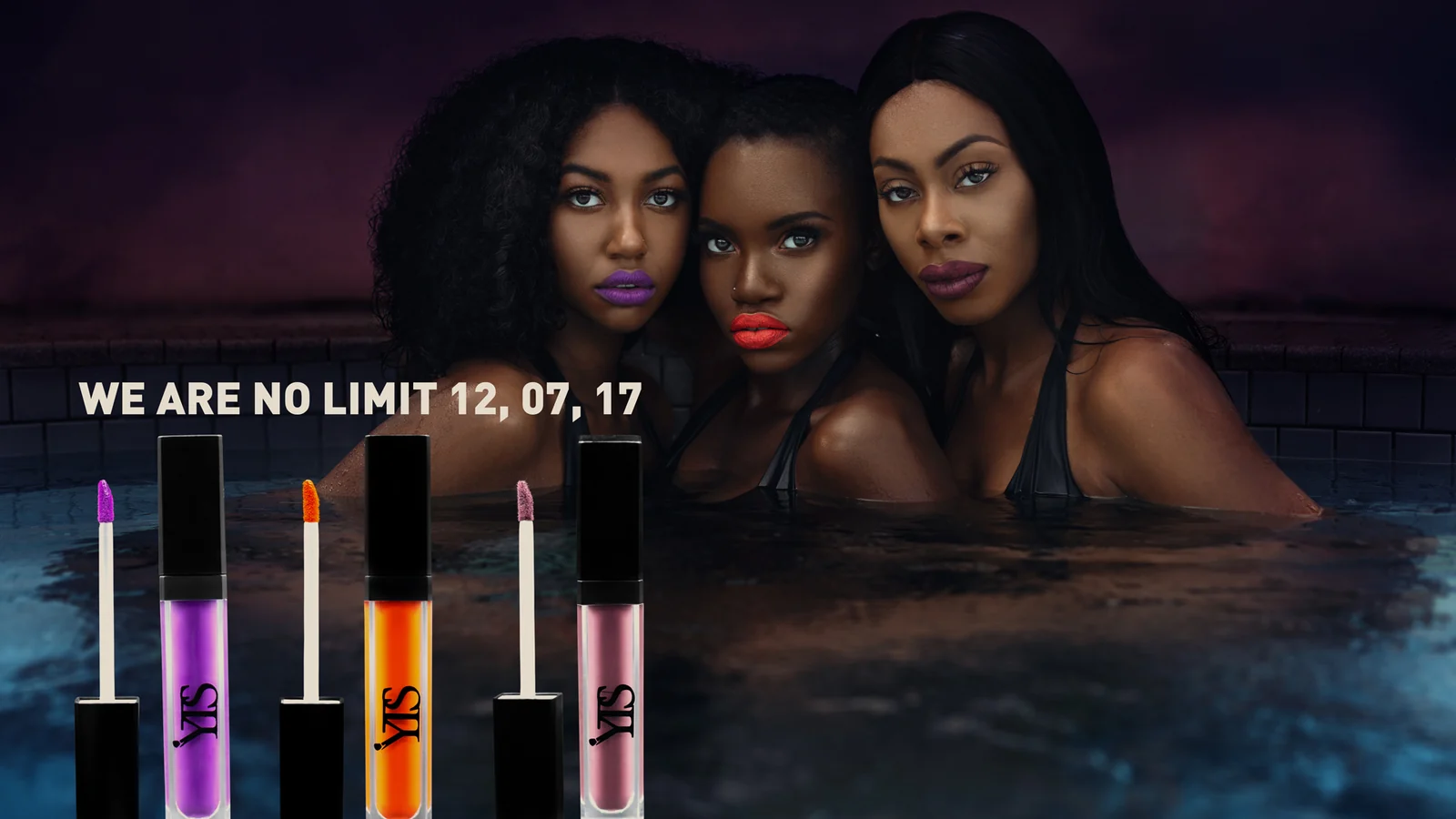
 That distinction matters. A shopper cannot touch the material, judge the weight, test the function or compare the item with their own body. Therefore, the image gallery has to replace part of the physical retail experience. It must make the product easy to understand without making it look generic.
Why a Product Page Image Guide Is a Commercial System
Most ecommerce teams treat the product gallery as a list of deliverables. However, image count is not the real objective. The objective of ecommerce product photography is to remove the uncertainty that prevents a qualified customer from buying.
For that reason, “we need eight images” is an incomplete brief. Eight repetitive angles may provide less decision support than five carefully planned frames. First, the gallery should establish the product clearly. Next, it should reveal construction, scale and use. Finally, it should reinforce desire and trust.
Baymard’s product-page usability research illustrates how central this behavior is: in one study, 56% of participants’ first actions on a product page involved exploring the images. In addition, its guidance recommends at least three to five images as a baseline rather than a universal target. Consequently, the right number depends on the product’s complexity and the questions buyers need answered.
For fashion and beauty brands, the gallery must also balance two different jobs. Ecommerce product photography needs precision, while campaign imagery creates distinction and emotional relevance. Yet the two should not compete. Instead, they should work as one visual sequence.
If you are developing the broader ecommerce system, use the Ecommerce Photography Checklist as a production companion. Likewise, the guide to Fashion Ecommerce Images explains how consistency can extend across the complete catalog.
Product Page Image Guide: Map Seven Purchase Questions
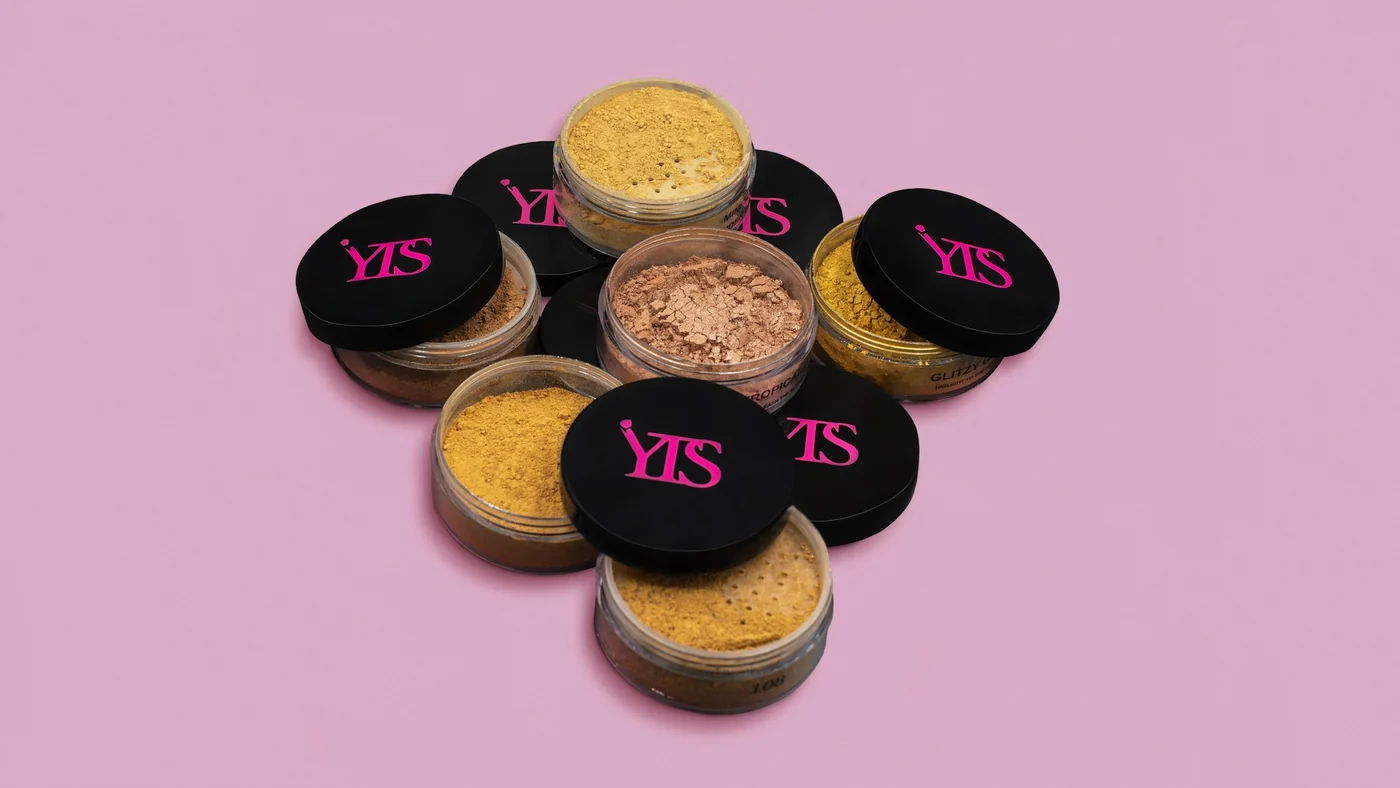
Before building a product photography shot list, identify the uncertainty behind each planned image. Although categories differ, most product galleries need to answer seven questions.
Take a look at the ecommerce product image checklist.
1. What exactly am I buying?
Begin with a clean primary image that shows the complete product without visual ambiguity. The silhouette, proportions, color and core design should be immediately legible. Moreover, the lead image should remain clear at thumbnail size because customers may first encounter it in search, collection pages, ads or recommendations.
2. What does it look like from every relevant side?
Next, reveal the angles that materially change understanding. A handbag may require front, back, side, base and interior views. By contrast, another side of a flat skincare carton may add little. Therefore, include useful information rather than mechanical rotation.
3. How large is it?
Dimensions in copy are necessary, but they are not always intuitive. An in-scale image—on a body, in a hand, beside a familiar object or in an expected environment—translates measurements into meaning. Baymard found that 42% of tested users attempted to judge scale from product images. Accordingly, scale should be demonstrated rather than left to imagination.
4. How does it fit, move or function?
Fashion products need fit across relevant views and poses. Beauty products may need application, texture or finish. Accessories may need opening, capacity or fastening. Thus, show the product doing the work the buyer expects it to do.
5. What are the material and construction details?
Close-ups should reveal texture, stitching, hardware, seams, closures, labels, applicators or finish. However, a macro image should not merely look luxurious. It must expose a detail that affects quality perception, care, comfort or use.
Product-page imagery is only one part of the process. Use this framework to plan every stage of a beauty product launch, from positioning and claims to post-launch measurement.
6. How could I use or style it?
Lifestyle and editorial frames help the customer project the product into a real context. For example, a styled look can demonstrate proportion, color pairing and occasion. Nevertheless, the product must remain identifiable. If atmosphere overwhelms information, the frame belongs in a campaign rather than the core product gallery.
Conversion-focused product image strategy.
7. Can I trust what I am seeing?
Accurate color, believable retouching and consistent lighting protect trust. In addition, customer or creator imagery may add real-world evidence. Baymard reports that many shoppers seek less controlled social imagery to evaluate products in use, while 67% of benchmarked product pages did not provide social images or videos. Therefore, selective social proof can complement, rather than replace, brand-controlled photography.
Once you’ve determined which images a PDP needs, the next step is deciding the best order for ecommerce product images.
How the Required PDP Image Types Work Together
The required image types must work together as one sales conversation. This section shows their relationship at a high level; use the dedicated Ecommerce Product Image Order guide for the definitive gallery sequence.
- Primary image: complete product, clean presentation and immediate recognition
- Alternative angle: the second-most informative view
- Scale or fit: worn, held or placed in context
- Material detail: texture, finish or construction
- Function: opening, application, movement, capacity or mechanism
- Secondary detail: interior, back, fastening or included elements
- Styled image: aspirational context that remains commercially clear
- Video or motion: only when movement or use adds information
- Social proof: credible real-world use, when appropriate
Importantly, do not bury the image that resolves the category’s biggest objection. If fit is the primary concern, fit belongs near the beginning. If texture is decisive, show it early. In other words, sequence by customer risk, not by production convenience.

Translate PDP Image Types Into a Coverage Matrix
A written list works for one product. However, a shot matrix works for an assortment. It separates universal requirements from category-specific needs and optional brand-building frames.
| Image role | Customer question | Required? | Examples | Primary use |
|---|---|---|---|---|
| Hero packshot | What is it? | All products | Front or three-quarter view | PDP, category page, feed |
| Angle coverage | What can’t I see? | Category dependent | Back, side, base, interior | PDP gallery |
| Scale or fit | How large is it? | Usually | On-model, in-hand, in-room | PDP, social, ads |
| Macro detail | What is the quality? | Usually | Fabric, hardware, formula texture | PDP, campaign crops |
| Function | How does it work? | When relevant | Closure, capacity, application | PDP, video, support |
| Styled context | How would I use it? | Strategic | Complete look or routine | PDP, campaign, organic |
| Proof | Can I trust it? | Optional | Customer, creator or review image | PDP, retention |
Then add columns for SKU, colorway, model, prop, orientation, crop, channel, usage rights and approval status. As a result, the matrix becomes a production and distribution tool rather than a simple camera checklist.
This is also where the broader campaign plan matters. The Fashion Campaign Calendar helps connect capture dates with launches and seasonal demand. Meanwhile, the Fashion Marketing Checklist can align imagery with the complete campaign workflow.
Keep PDP Image Requirements Clear Across Teams
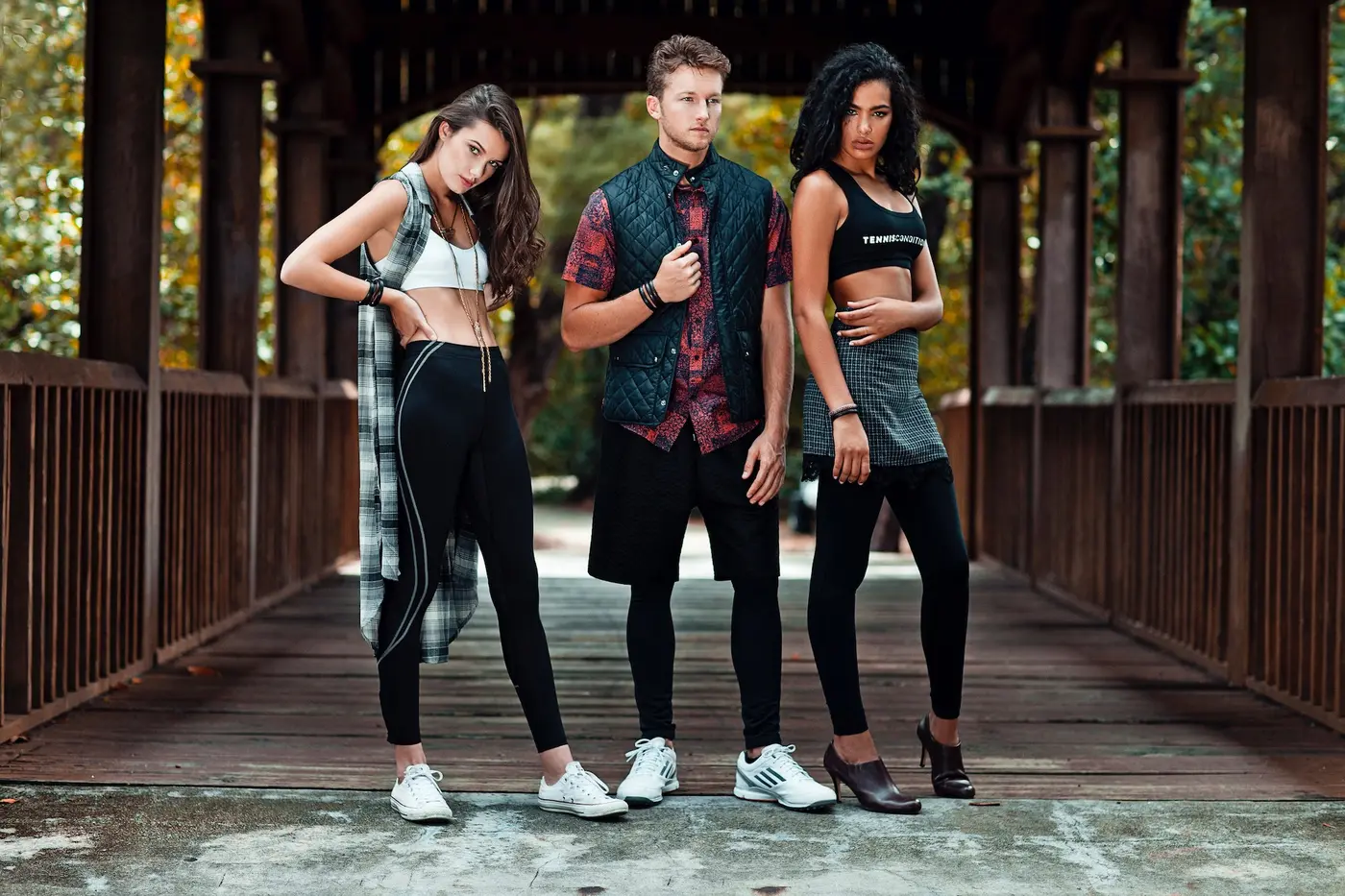
Consistency in ecommerce product photography does not mean that every product must look identical. Rather, it means that customers can compare products without being distracted by preventable changes in scale, crop, color or lighting.
When to use lifestyle or studio photography.
Lock the visual constants
Define the camera height, lens range, framing guides, background value, light position, shadow density, product scale and output crop. In addition, document color-management standards, monitor calibration and reference targets. These constants make reshoots and new-season additions easier to match.
Separate capture standards from creative variables
Packshots may require strict repeatability, while styled frames can change by campaign. Therefore, identify which elements are fixed and which are intentionally flexible. Without that distinction, teams often either over-standardize creative content or under-standardize ecommerce content.
Plan colorways deliberately
Do not assume one hero image plus digital recoloring will represent every material accurately. Certain colors, finishes and translucent products respond differently to light. Consequently, confirm which variants require individual capture and which can be produced reliably through controlled post-production.
Retouch for accuracy before perfection
Remove temporary distractions such as dust, loose threads and sensor marks. However, retain material behavior, texture and construction that customers will receive. Excessive smoothing may create a more polished frame, yet it can also create inaccurate expectations and weaken trust.
Create an approval hierarchy
First approve one representative SKU through final retouching and export. Then apply the agreed standard to the remaining assortment. This “golden sample” approach reduces contradictory feedback and expensive batch revisions.
Product Page Image Optimization for Mobile and Speed
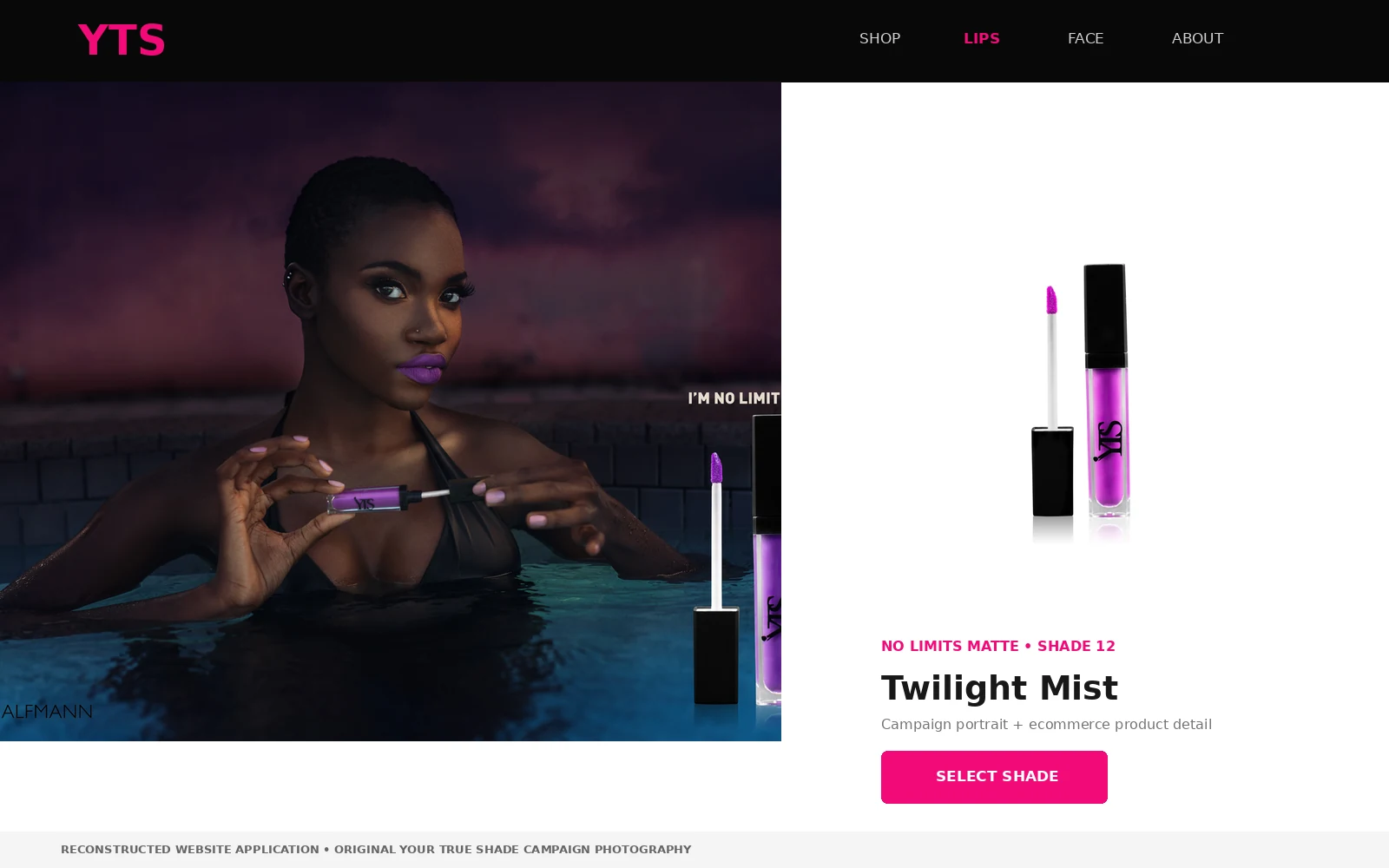
Beautiful files can still damage the buying experience when they are slow, blurry or unstable on mobile. Therefore, product page image optimization must be part of the delivery specification, not an afterthought.
- Export responsive sizes. Deliver variants that match common display widths rather than forcing every device to download the largest master
- Use modern formats appropriately. WebP and AVIF can reduce file size compared with older formats, although the correct choice depends on the asset and platform support
- Protect the lead image. The primary above-the-fold product image may influence Largest Contentful Paint. Accordingly, it should be discoverable in the initial HTML and prioritized carefully
- Reserve image dimensions. Width and height attributes, or an equivalent aspect-ratio rule, help prevent layout shifts while images load
- Lazy-load selectively. Defer below-the-fold gallery assets, but avoid lazy-loading the primary visible image without a performance-tested reason
- Test zoom on real devices. Compression should not destroy the exact texture and construction details that zoom is meant to reveal
Notably, smaller is not automatically better. An aggressively compressed image that conceals fabric or finish creates a commercial cost even if it improves a technical score. The correct standard balances visual evidence with loading performance.
Product Image SEO: Make the Gallery Understandable
Product image SEO begins with a useful page and accessible assets. Google recommends high-quality images placed near relevant text, supported by descriptive filenames and alt text. In addition, crawlable image URLs and consistent mobile metadata help search engines discover and interpret the content.
Use descriptive filenames
Rename files before upload. For example, burgundy-leather-shoulder-bag-front.webp communicates more than DSC_4821-final-2.webp. Keep filenames concise, lowercase and separated with hyphens. Nevertheless, do not force the same keyword into every filename.
Write alt text for the image’s purpose
Alt text should describe the meaningful visual content for someone who cannot see it. For example: “Model wearing a cream cropped jacket, front view, showing its boxy fit”. Avoid keyword lists and phrases such as “image of”. If an image is purely decorative, an empty alt attribute may be more appropriate.
Support the image with nearby context
Captions, product titles, variant names and surrounding copy can clarify the relationship between an image and the product. Therefore, the gallery and page copy should use the same accurate language for materials, colors and features.
Use product data consistently
Product structured data can make price, availability, reviews and other details eligible for richer search appearances, including Google Images and Lens. Still, structured data does not repair weak photography or inaccurate information. It should reflect what the customer can actually see and buy.
Keep image URLs indexable
Do not block important images from crawling. Moreover, avoid unstable URLs that change whenever the page loads. For image-heavy or JavaScript-driven sites, an image sitemap may improve discovery, although it does not guarantee rankings.
Measure the Gallery as a Business Asset

The product page image guide should end with measurement. Otherwise, teams can refine aesthetics without knowing whether the gallery is resolving customer uncertainty.
Start with a clear hypothesis. For example: “Moving the on-model scale image from position six to position three will increase add-to-cart rate for handbags.” Then define the relevant segment, primary metric and guardrail metrics before testing.
- Gallery interaction rate and image-position engagement
- Zoom usage and video plays
- Add-to-cart rate
- Conversion rate by device and traffic source
- Return reasons linked to size, fit, color or expectation
- Customer-service questions before purchase
- Search visibility and image-search traffic
However, correlation is not causation. High engagement with a detail image may indicate that the frame is helpful, or it may indicate that earlier images failed to explain the product. Consequently, combine analytics with session research, customer questions and return data.
The Fashion Marketing KPIs guide provides a broader measurement framework. Additionally, the Fashion Marketing Funnel helps connect product-page decisions with acquisition, conversion and retention.
PDP Image-Type Coverage Summary
Use this summary to confirm that the brief includes the necessary image types. For final technical and publishing checks, use the 32-point PDP Image Checklist.
- The lead image identifies the product clearly at thumbnail and full size
- Every gallery image answers a different purchase question
- Relevant angles, scale, fit, function and construction are visible
- Color and material texture remain believable after retouching and export
- The gallery sequence prioritizes the category’s biggest uncertainty
- Crops, background, light and product scale are consistent across comparable SKUs
- Mobile users can swipe, zoom and understand the gallery comfortably
- Responsive sizes and modern formats are configured without sacrificing useful detail
- Filenames and alt text are descriptive rather than keyword-stuffed
- Rights cover every intended channel, territory and duration
- Analytics and return reasons can inform the next production cycle
From Individual Images to a Complete PDP Gallery
The strongest ecommerce galleries are not created by adding more frames after the shoot. They are created by deciding what the customer must understand before production begins.
Therefore, use this product page image guide to map uncertainty, sequence the sales story and standardize the technical workflow. Then connect the product-page system with launches, paid media, organic content and retention. That is how one production creates value beyond a single SKU or publishing date.
If your current image library is inconsistent, incomplete or difficult to scale, a Visual Audit can identify the gaps between what the brand is producing and what customers, campaigns and channels actually need.